Put your favorite faces inside a Christmas snow globe
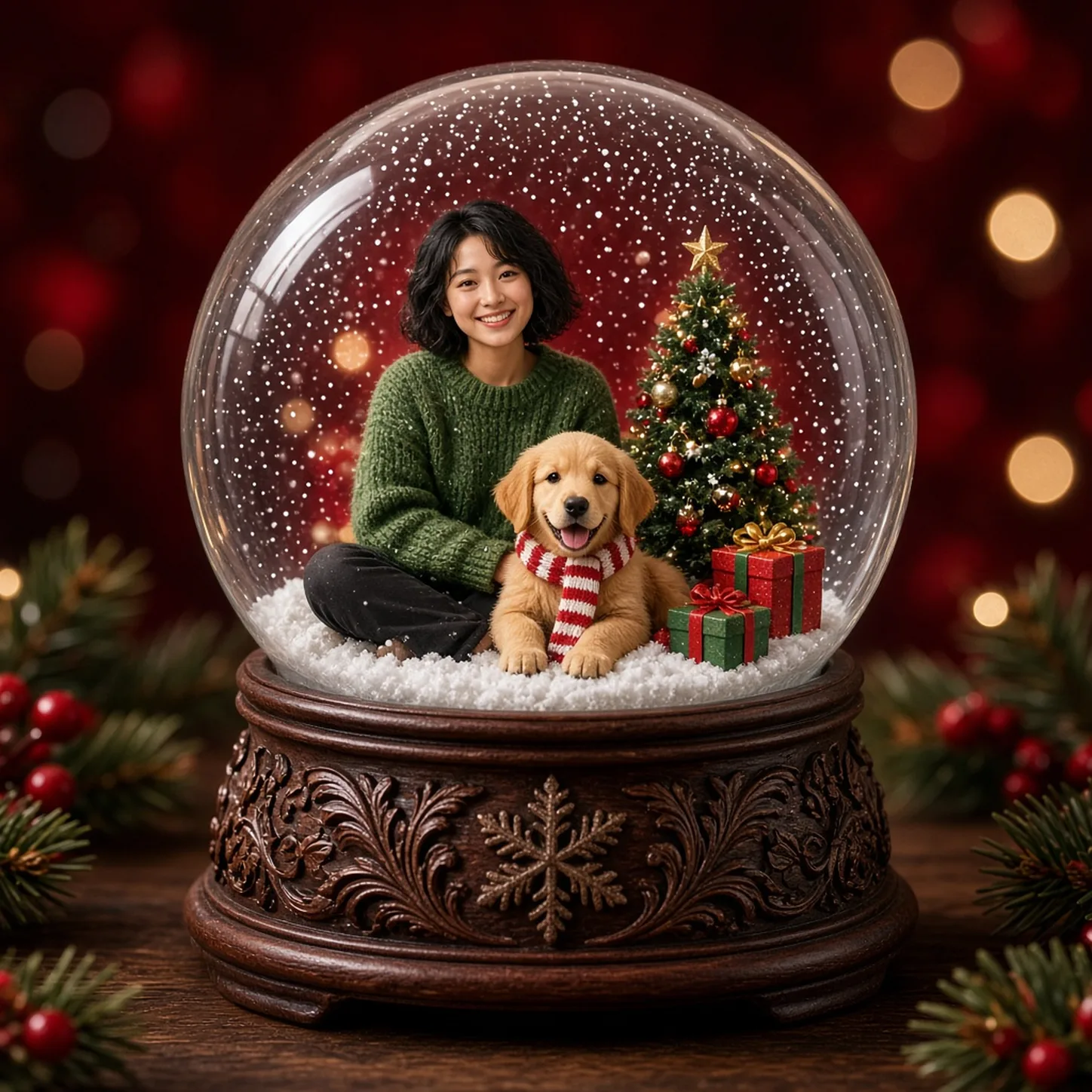
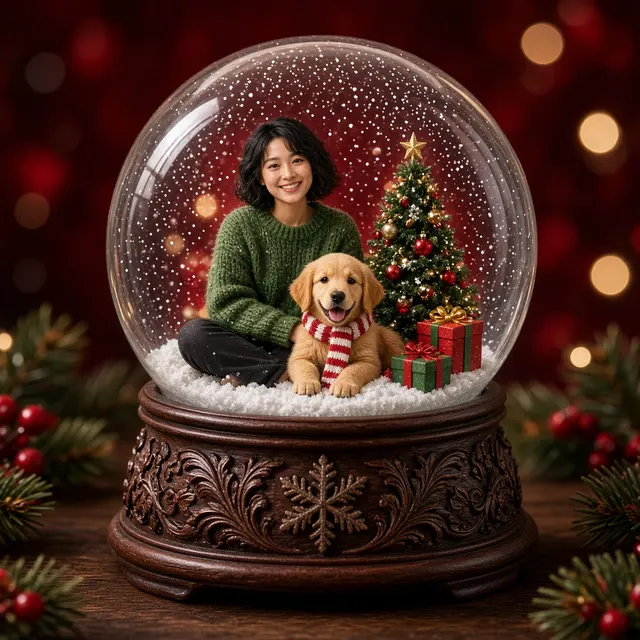
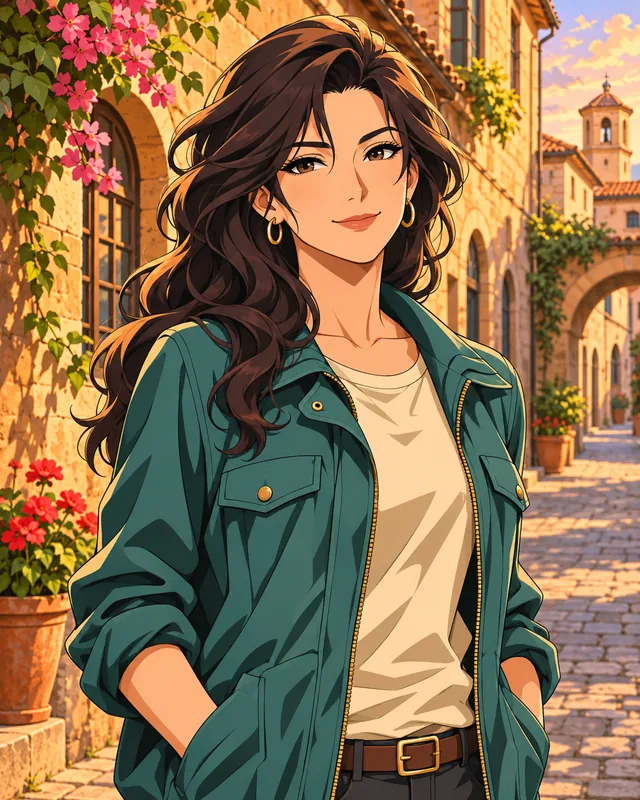
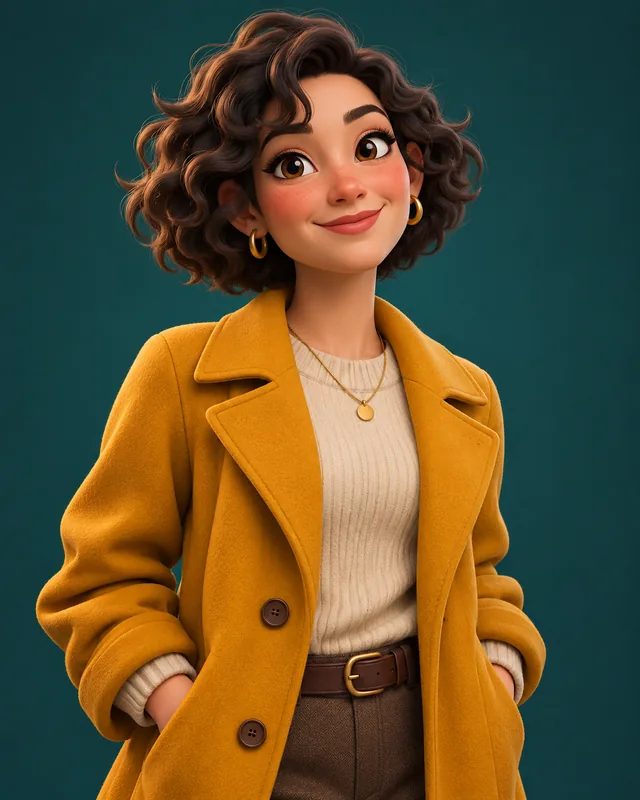
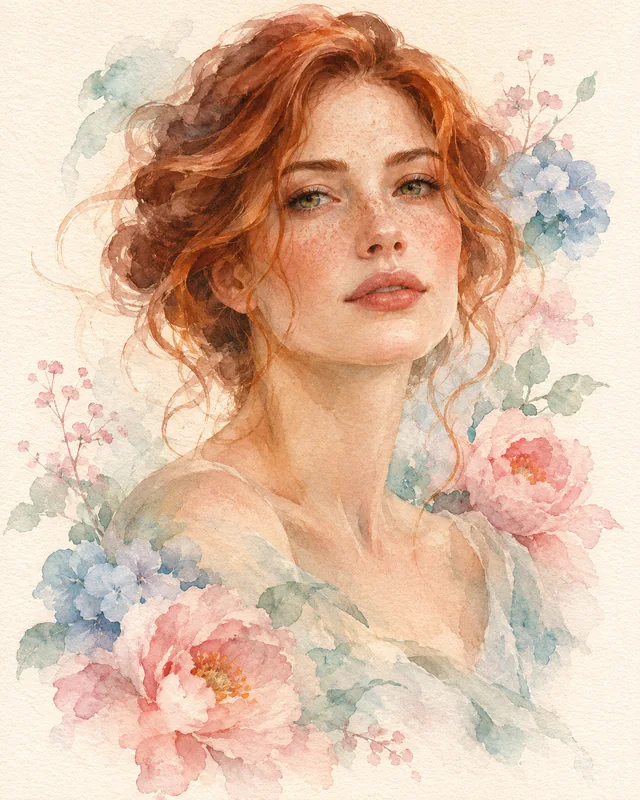
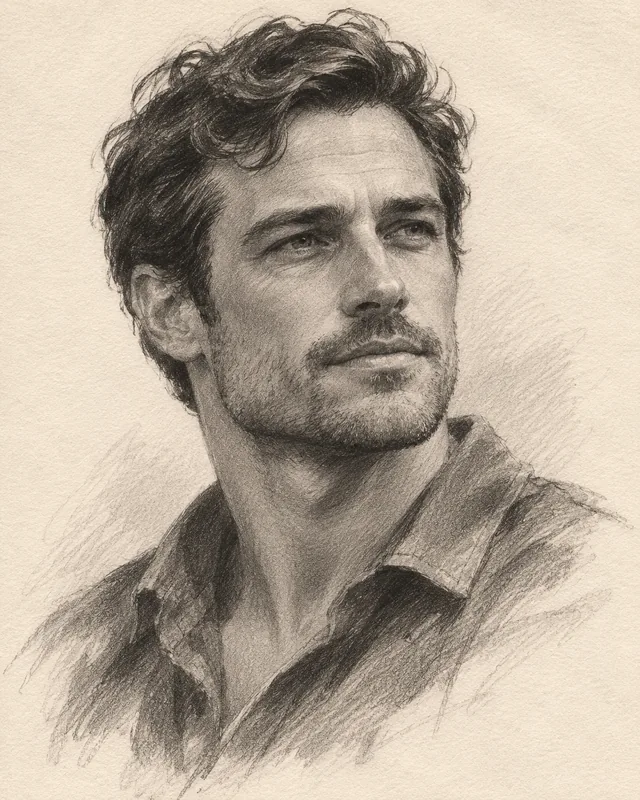
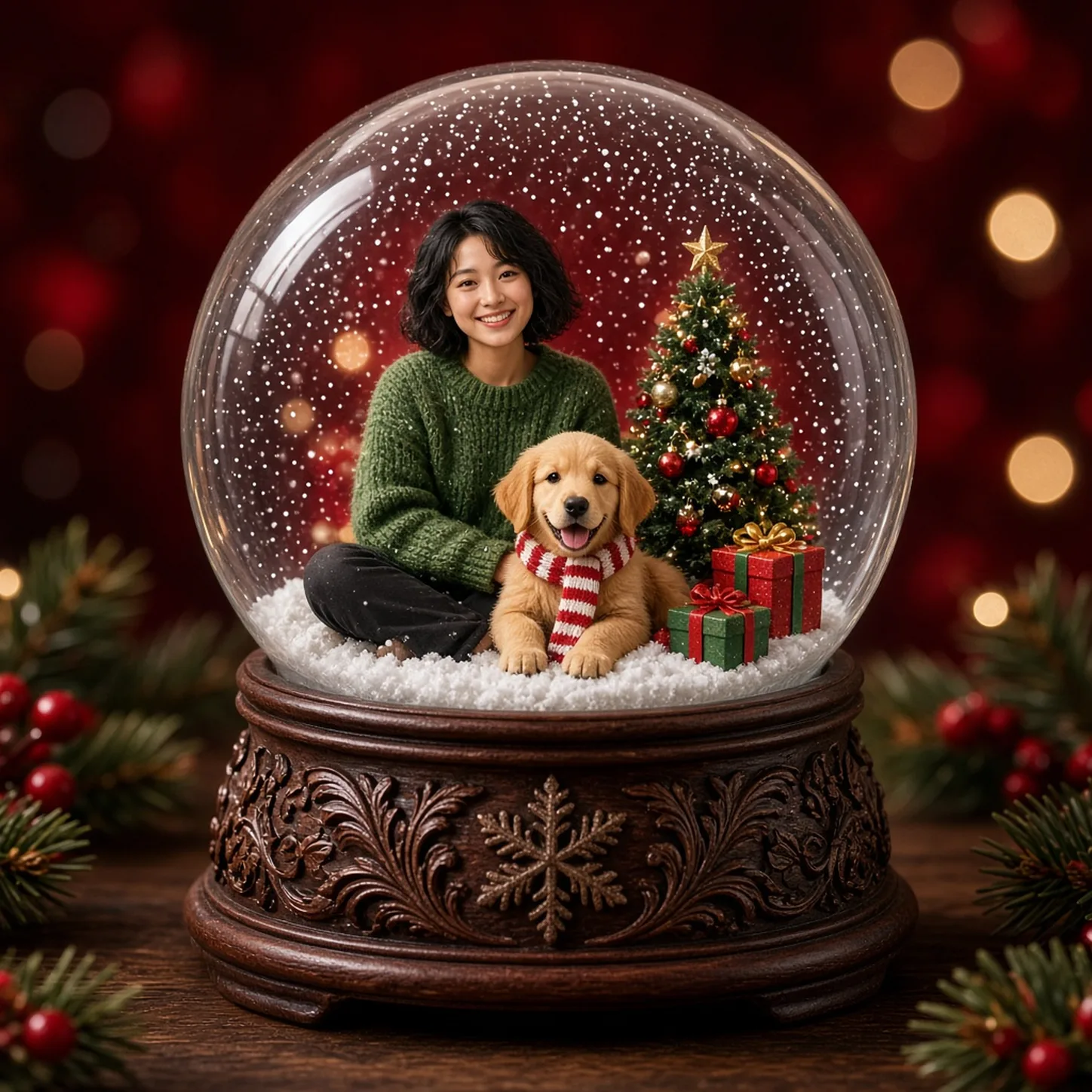
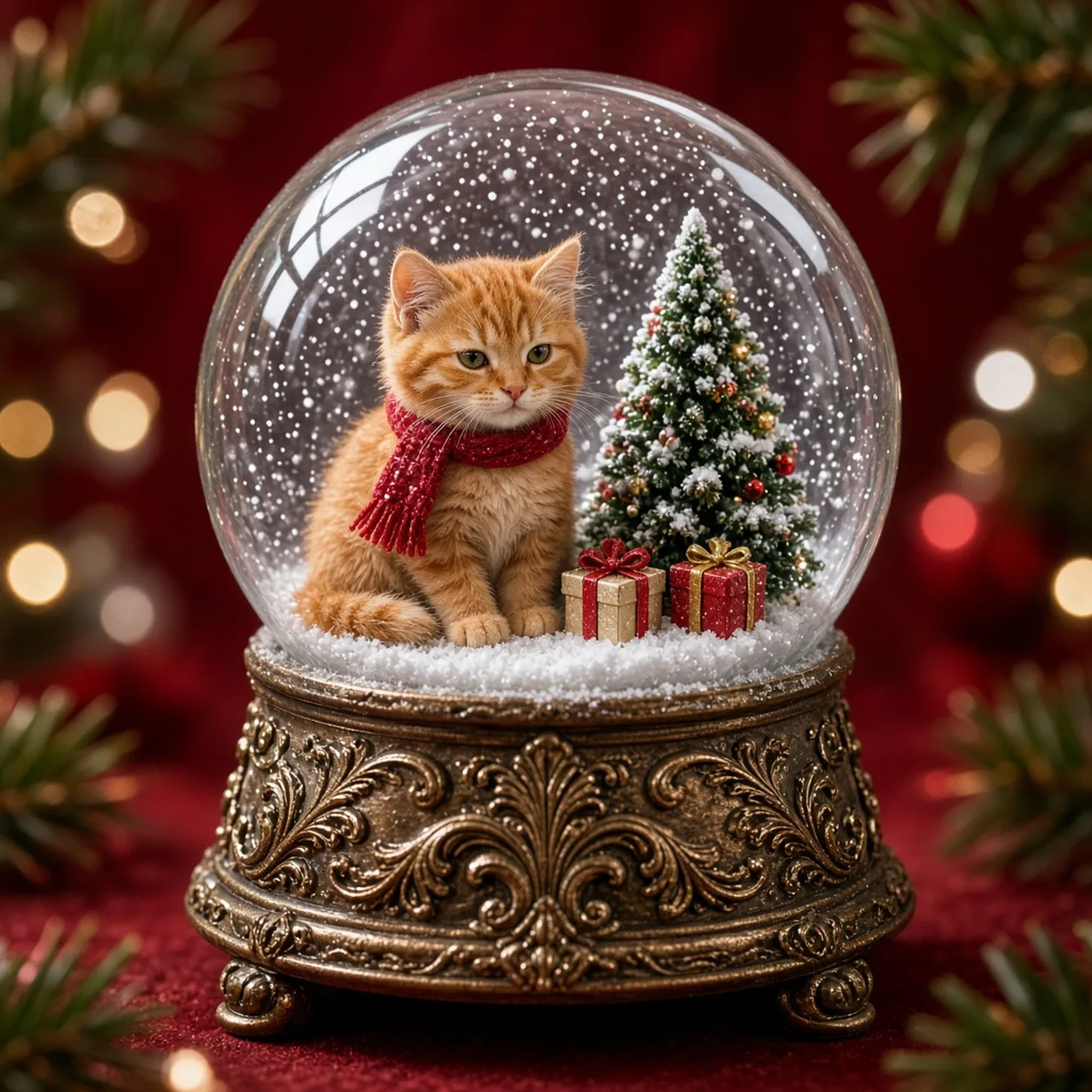
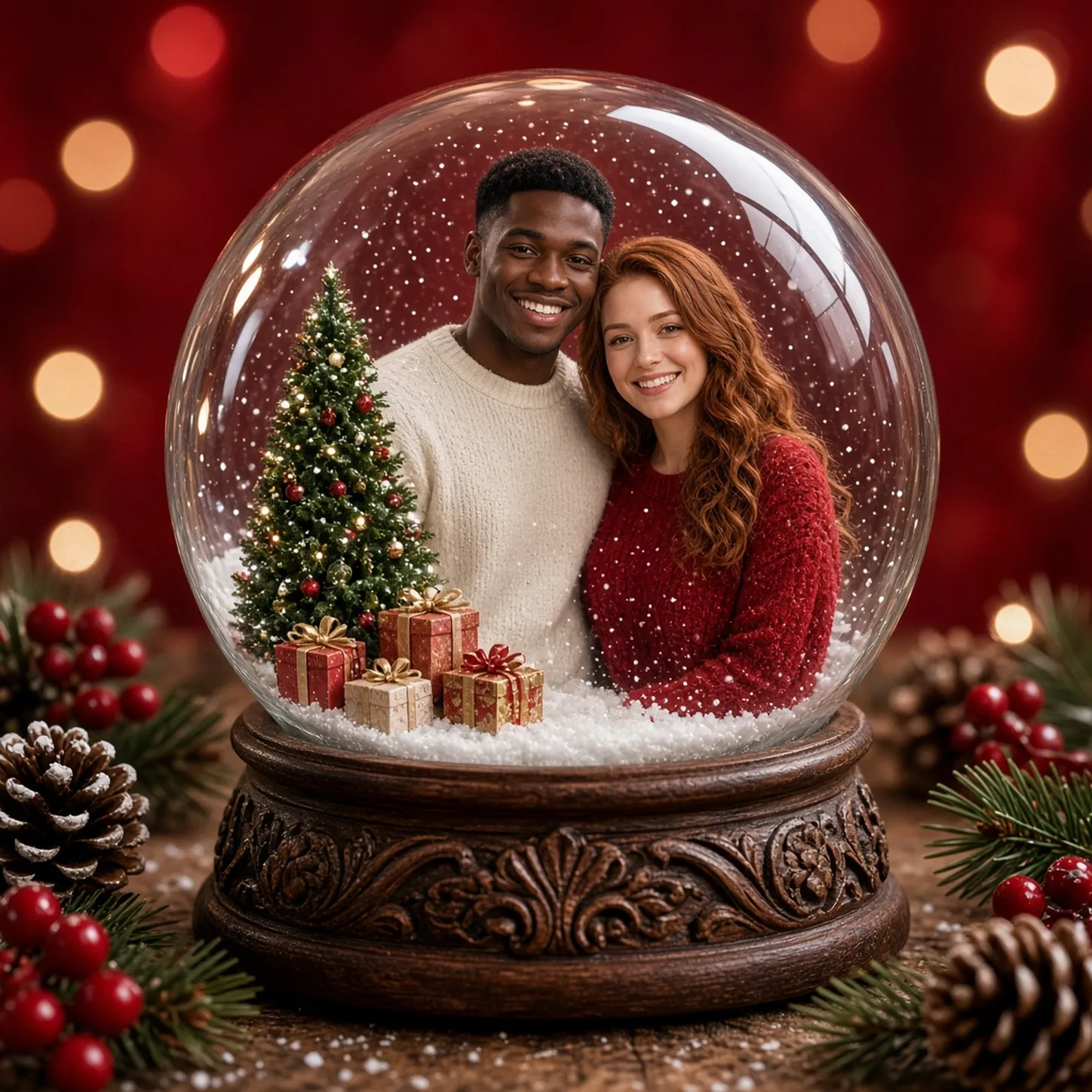
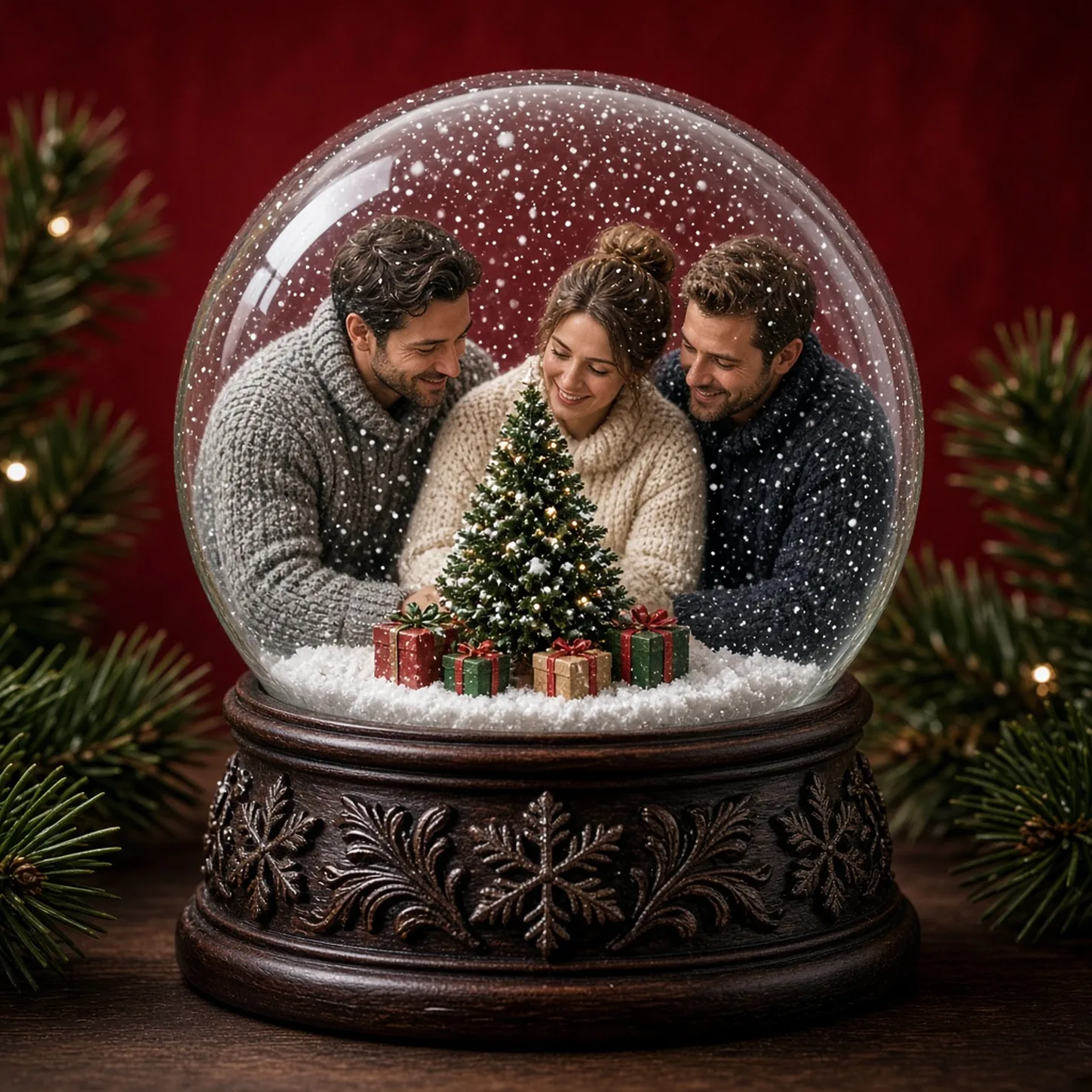
The AI Christmas Snow Globe Generator turns an uploaded portrait, pet photo or group shot into a miniature Christmas scene under glass. Soft snow, a carved festive base and warm holiday light sit around your subject while faces, pets and outfits stay recognizable. Add a second photo to place two subjects in the same globe. The result is a still keepsake image — not a physical globe and not a video.
Illustrative style preview. Generated results vary with your prompt and reference photos.
Glass, snow and a clear subject need to work together so the miniature world still feels personal.
Keep the face readable inside the glass
Choose a sharp, front-facing photo so eyes, hair and clothing survive the miniature scale. A half-body or clear group shot works better than a distant silhouette. If you upload two photos, say who belongs together in the brief.
Choose one readable moment or gesture.
Let the background explain the occasion without crowding it.
Check every subject when using a group composition.
One photo can already include a person and a dog, or you can add a second reference for a pet or partner. The preset builds snow, gifts and a tiny tree around those subjects without asking you to paint the glass yourself.
Describe whether the scene is indoors, outdoors or near a window.
Keep skin and clothing readable under the color treatment.
Ask for subtle grain rather than a damaged-film effect by default.
The carved base and curved glass are part of the keepsake look. Leave a little margin so the sphere does not feel cropped. Square 1:1 suits cards and profile tiles.
Keep the main subject inside a comfortable inner crop.
Review whether the globe looks balanced on all sides.
Leave the bottom margin blank when you plan to add your own caption.
Upload one or two clear photos, keep the square frame, then generate and review the glass scene.
Step 1
Upload one or two photos
Select Christmas Snow Globe and add a clear PNG, JPEG or WebP of a person, pet or group. A second photo can bring another subject into the same globe. Keep faces unobstructed.
Snow Globe
1:116:92K
Step 2
Keep the square frame and generate
Start with 1:1, choose 1K–4K, check the credit estimate, then generate. Sign in to upload and create.
Step 3
Review the glass scene and save
Check faces, pets, snow and the base. Download a version you like, or adjust the brief and try again.
Start from a clear subject, then let the preset build the miniature Christmas world.
PROMPT EXAMPLE 1
Cozy evening portrait
A candid portrait in a cozy living room, relaxed smile, cream knit sweater, warm direct flash, softly blurred books behind, subtle film grain, clean white instant-photo globe, blank bottom margin.
One familiar background detail is enough to suggest a lived-in room.
PROMPT EXAMPLE 2
Weekend coast
A traveler holding a sun hat beside a quiet seaside cafe, late afternoon, faded blue and warm beige tones, casual waist-up framing, gentle grain and a balanced white snow-globe globe.
Keep the horizon away from the face so the background stays quiet.
PROMPT EXAMPLE 3
Pet by the window
A small dog resting on a checked blanket beside a window, natural curious expression, soft warm light, candid close view, muted colors, subtle snow-globe texture and an empty white lower globe.
Describe the coat markings when they are important to recognition.
Tips for sharper snow globe results
Clear faces and simple poses help the miniature scene stay readable on a phone screen.
Avoid making every surface look damaged
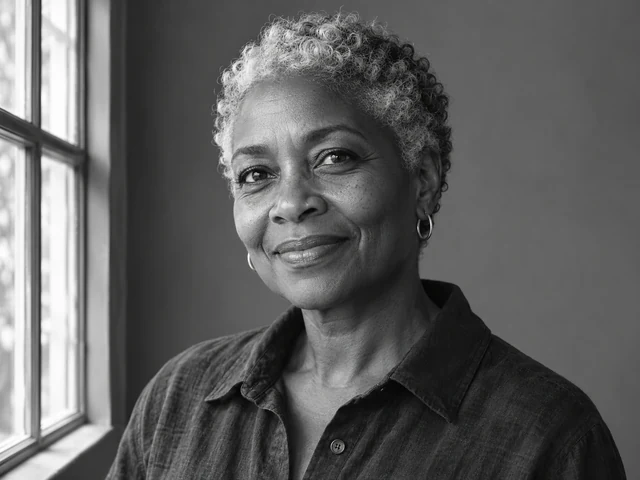
Grain, faded color and soft flash can suggest instant photography without scratches or heavy stains. Start with subtle texture. If the face loses detail, reduce the effect rather than asking for more sharpening and stronger aging at the same time.
Keep the inner photo balanced
Leave enough space around the subject for the globe to feel intentional. Watch for cropped hands or a head pressed against the upper edge. A simple pose and a slightly wider camera distance can make the whole picture more comfortable.
Separate generated art from real documentation
A convincing nostalgic picture can look like a historical photograph. Present generated scenes as creative interpretations when context matters. For a real event record, keep the original photo rather than replacing it with an invented moment.
Christmas snow globe questions
Is this a video or a physical snow globe?
Neither. The preset creates a still image. You can print it yourself; nothing is shipped.
How many photos can I upload?
One or two references work best. One photo can already be a group or person-with-pet shot; a second photo can add another subject to the same globe.
Will my face look exactly the same?
The upload guides identity, but generation can change small details. Review the result before sharing.
Can I use a pet or illustration?
Yes. Clear pets and original character art both work when the main subject is easy to see.
Is this a physical print or an official Christmas snow globe product?
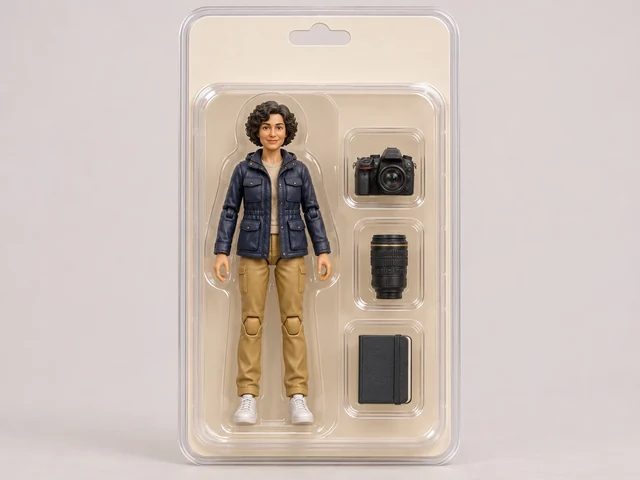
No. The tool creates a digital image with an snow-globe-inspired appearance. It does not provide physical printing or official branded film. If you print elsewhere, check the downloaded file’s dimensions and the requirements of that print service.
What do I need before generating?
Sign in, prepare a clear description and select the image settings. Generation uses account credits; the button displays the current estimate. Add up to eight PNG, JPEG or WebP references, one at a time. If an upload exceeds the limit, try a smaller file.
Create your holiday keepsake
Choose a clear photo of a person, pet or group. Add a second photo if you want two subjects in one globe, then generate and save the version you like.