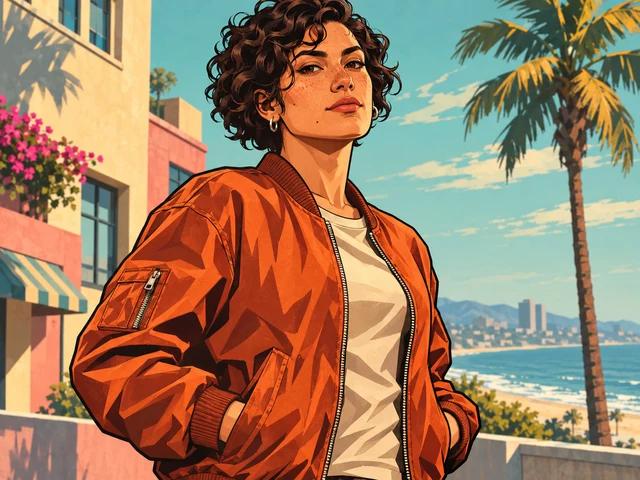
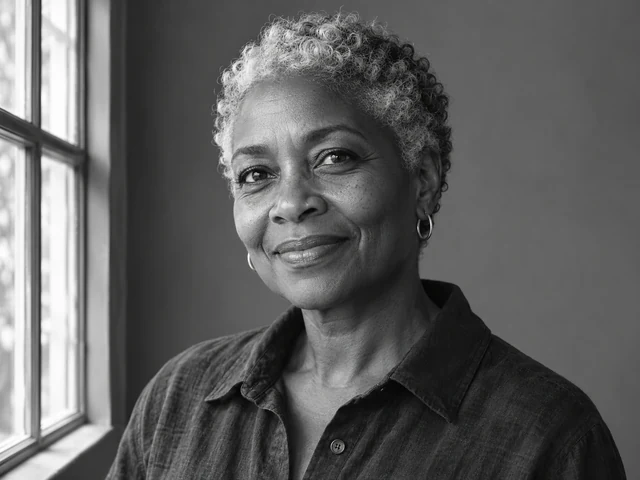
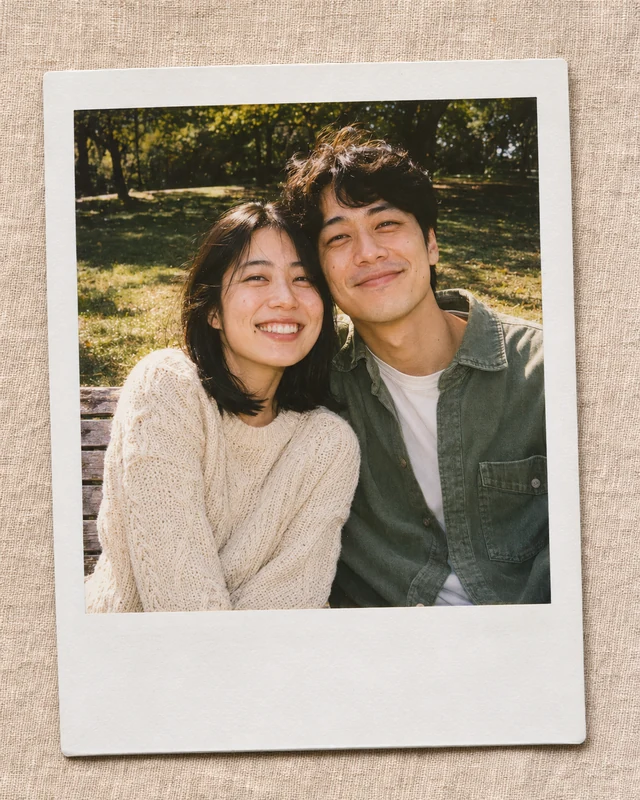
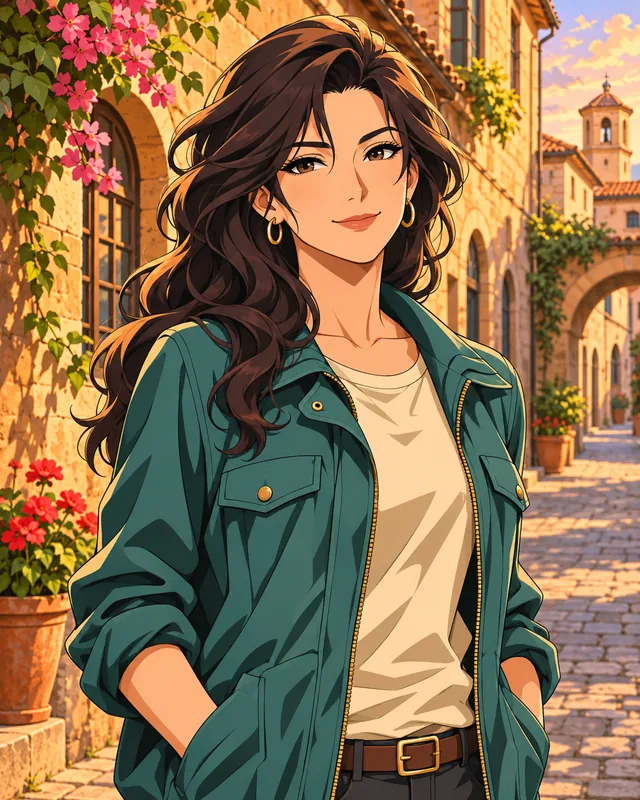
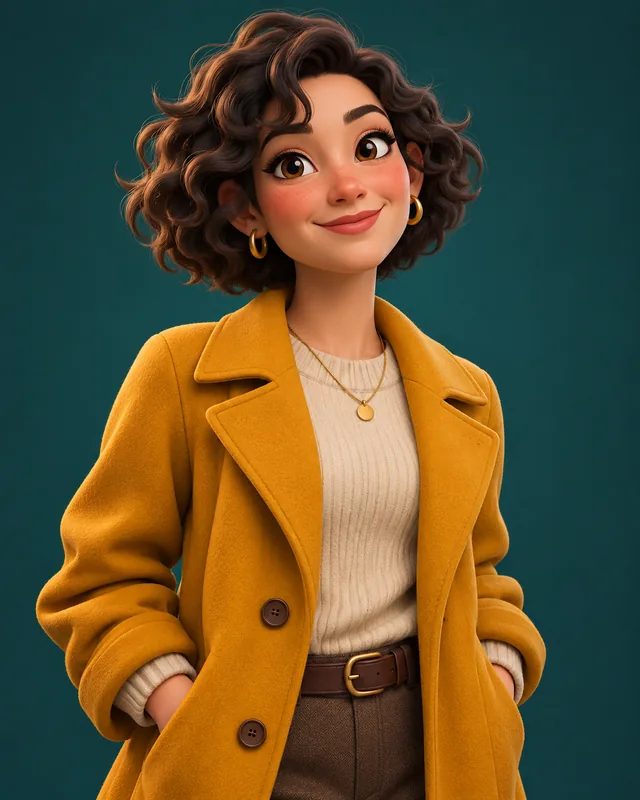
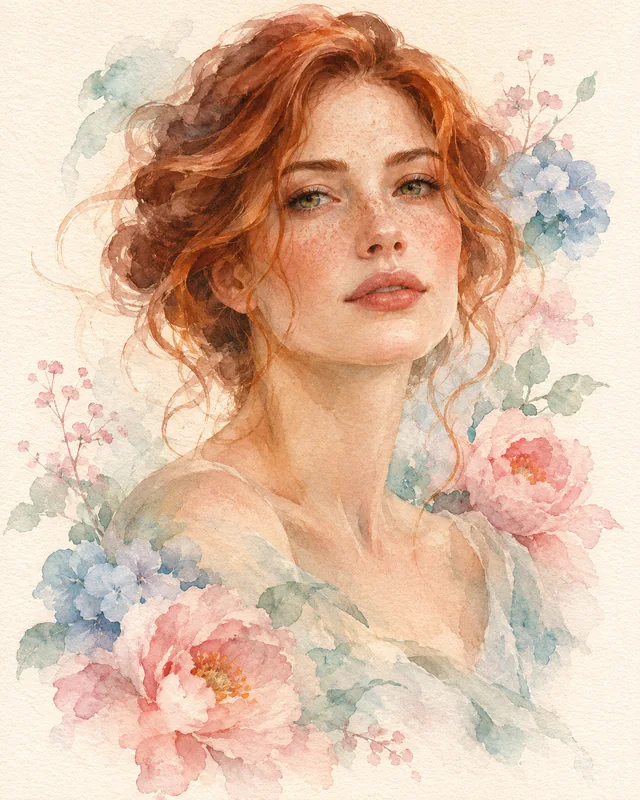
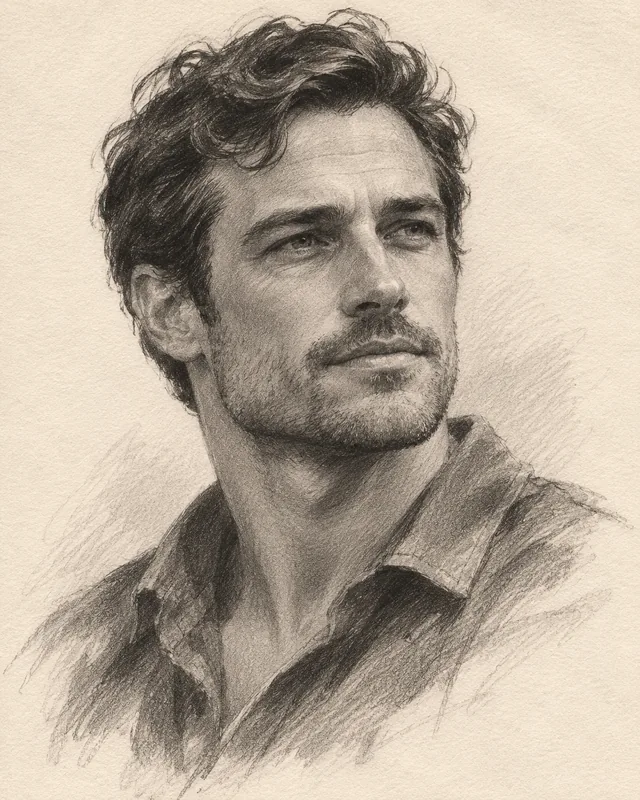
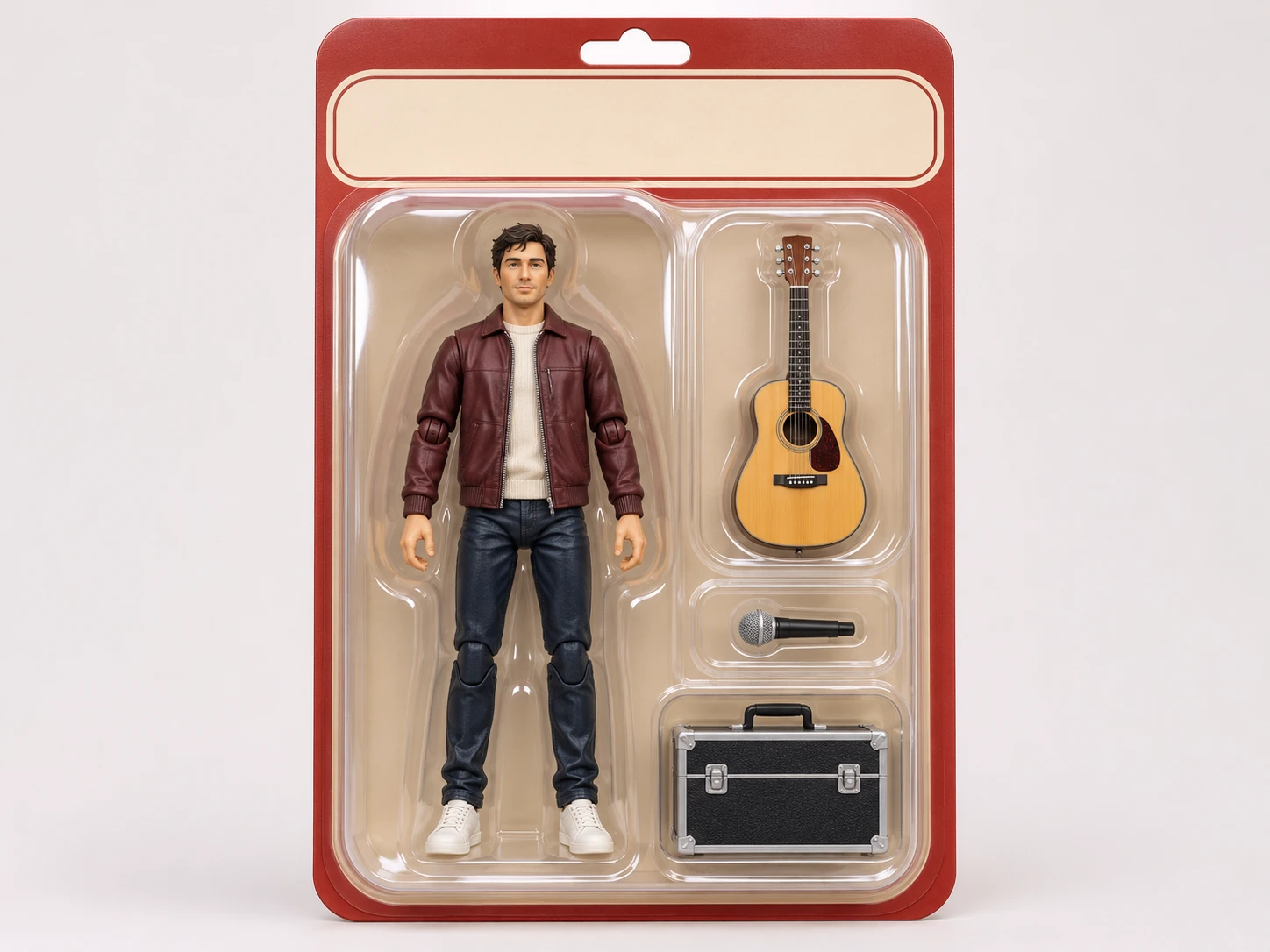
Turn a portrait, profession or original character into a digital collectible concept. The AI Action Figure Generator combines a miniature figure, backing card and selected accessories in one image. Start with a clear reference photo or describe a fictional character. Choose an outfit, pose and objects that tell their story, then refine the result. The output is an image, not a physical toy or production-ready 3D model.
Illustrative style preview. Generated results vary with your prompt and reference photos.
Give the figure a readable silhouette, meaningful accessories and enough space inside the package. These choices help a collectible concept stay legible.
Define the miniature before the package
Describe the figure’s outfit, hair, expression and stance in plain language. A relaxed upright pose usually makes clothing and proportions easier to inspect than a complicated action pose. Mention a molded plastic finish if you want a toy-like surface, or a painted collectible finish for a more detailed concept. With a photo, identify the visible traits that matter instead of expecting every detail to transfer unchanged.
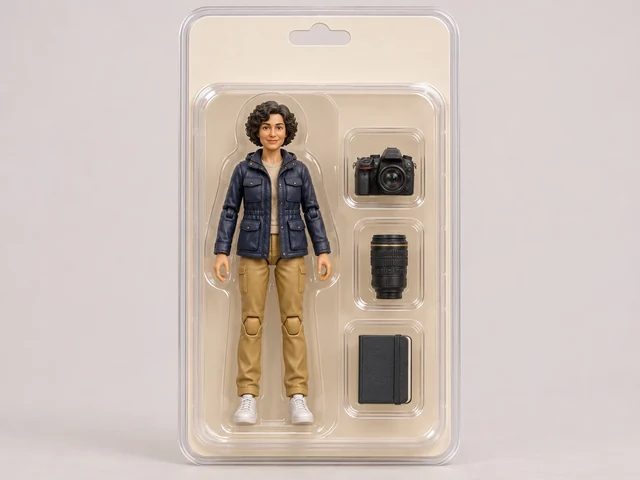
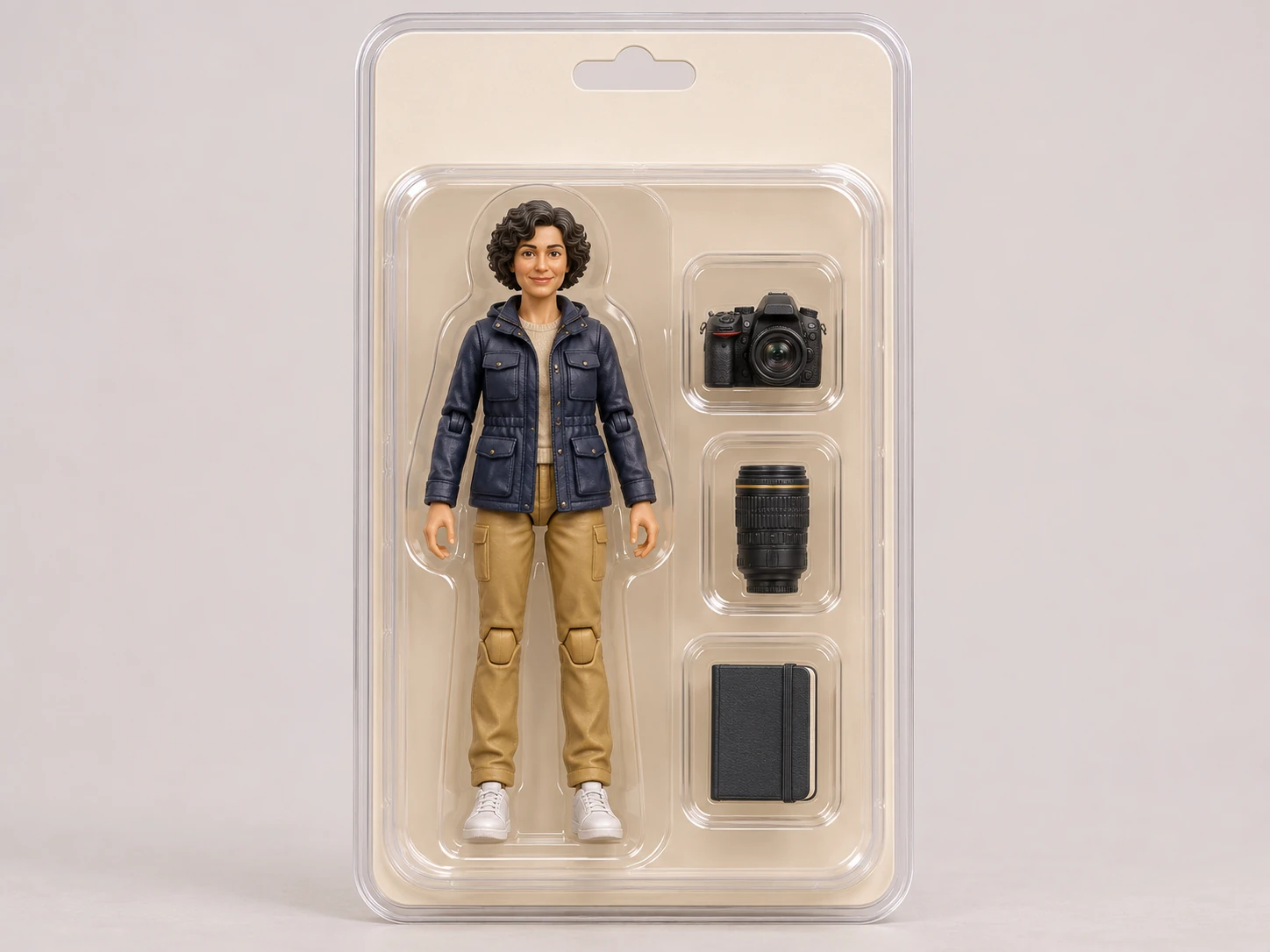
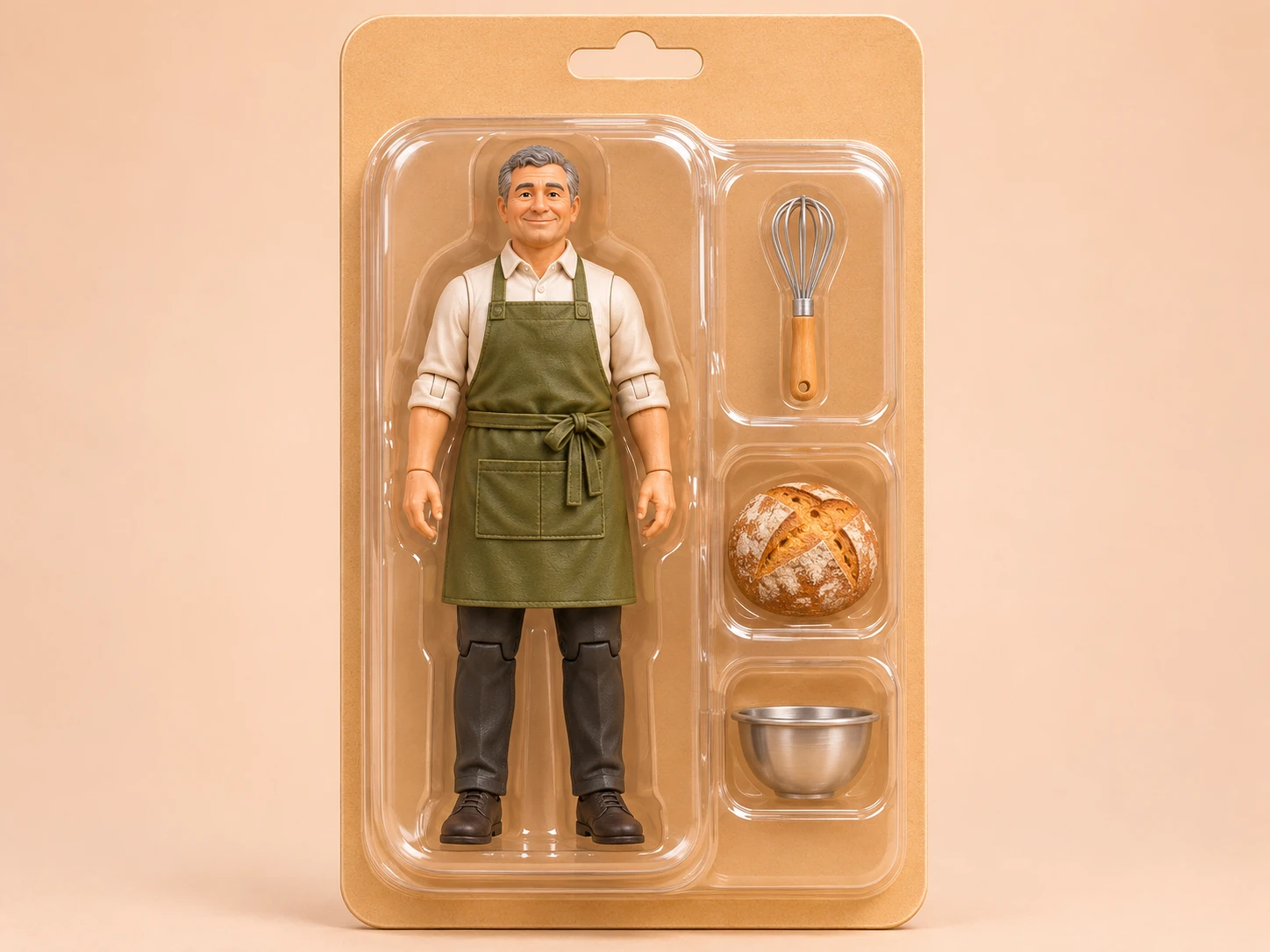
Start with two or three objects connected to a hobby, job or story. A photographer might carry a camera, lens and notebook; a baker might have a whisk, loaf and apron. Ask for separate compartments so the objects have distinct positions. Too many small items can compete with the figure and create ambiguous shapes. Inspect each accessory after generation, especially tools with handles or moving parts.
Treat packaging color and composition as part of the brief. A neutral card emphasizes the figure, while a strong accent color can suggest a character’s personality. A front-facing package is useful for comparing proportions; a slight three-quarter view can show the blister’s depth. Request a blank title area when readable wording matters, then add precise lettering in your own design software after downloading.
Review the figure, accessories and package separately before making a new version. If the pose works but the card feels crowded, keep the character description and simplify the background. If the objects merge, reduce their number and clarify placement. You can reuse a prompt to explore another direction, but each generation may change other details too. Save promising results as visual references for the next brief.
The preset supplies a collectible packaging direction. Your photo or description supplies the character. Follow these steps to make the first result easier to evaluate.
Step 1
Choose a clear subject
Sign in and add a well-lit reference photo, or start from a written character idea. A view showing hairstyle, outfit and body shape is helpful. Avoid heavy filters, hidden hands and busy group scenes for a single figure. Add up to eight PNG, JPEG or WebP references, one at a time. Use a smaller file if an upload exceeds the limit.
Action Figure
1:116:92K
Step 2
Describe the figure and its box
Name the outfit, pose, two or three accessories, backing-card color and viewing angle. Keep the central idea specific rather than listing many competing styles. Choose an available aspect ratio that leaves room around the package and select 1K, 2K or 4K output. The character counter reflects the space available after the preset, within the overall 5,000-character prompt limit.
Step 3
Review, download and develop
Check the credit estimate on Generate, then submit the image. When it is ready, inspect facial details, hands, accessories and the edges of the blister. Download a useful result or reuse the prompt to revise the concept. If you send an image to the video generator, that starts a separate video workflow with its own settings and credit cost.
Choose the starting point that matches your goal. Both approaches use the image generator; the difference is how much visual direction you provide.
Design choice
Action figure preset
Custom prompt
Starting direction
A miniature character presented as a packaged collectible.
Describe a boxed figure, an unboxed miniature or another presentation.
Character styling
Add the subject, outfit and pose to the existing toy direction.
Define the proportions, materials and level of stylization yourself.
Accessories
Request a few objects arranged beside the figure.
Specify a different arrangement, environment or prop system.
Package composition
Build around a backing card and blister-style presentation.
Explore a display stand, open box or illustrated character sheet.
Review needs
Check figure anatomy, accessory separation and packaging edges.
Check whether the result follows all the visual rules in your brief.
Ideas worth turning into a miniature
Use the output as a digital concept, a personal visual or a starting point for further design. Choose a role that can be expressed through a few visible details.
01
A creator persona
Build a miniature around your creative routine: a signature jacket, a notebook and one essential tool. The combination can make a profile post feel personal without filling the package with text or unrelated objects.
Translate a friend’s hobby into a playful collectible illustration. Use an outfit they recognize and accessories linked to a shared memory. Treat the downloaded image as the creative gift; physical printing or toy production happens outside this generator.
Explore how a fictional explorer, chef or musician might look as a collectible. A consistent palette and a clear silhouette help communicate personality. Use the image to discuss a direction before developing detailed illustrations or production specifications elsewhere.
Create separate concepts for a team’s different roles, using a shared backing color and similar framing. Change the outfit and accessories for each role. Review images together, since separate generations will not automatically keep scale, lighting or packaging identical.
These illustrative briefs show how subject, accessories and packaging work together. Replace the details with your own character rather than adding all three ideas to one prompt.
PROMPT EXAMPLE 1
The weekend photographer
An upright photographer action figure wearing a navy field jacket, tan trousers and white sneakers. A camera, a small lens and a notebook in three separate compartments. Cream backing card, clear molded blister, front view, soft studio light, no lettering.
Keep the camera visibly separate from the figure’s hands.
PROMPT EXAMPLE 2
The neighborhood baker
A cheerful baker collectible in a white shirt and moss-green apron, standing with relaxed arms. A whisk and a round loaf in separate side compartments. Warm beige packaging with a blank header, painted miniature finish, centered composition and gentle shadows.
Use a simple apron shape so the figure remains readable at small sizes.
PROMPT EXAMPLE 3
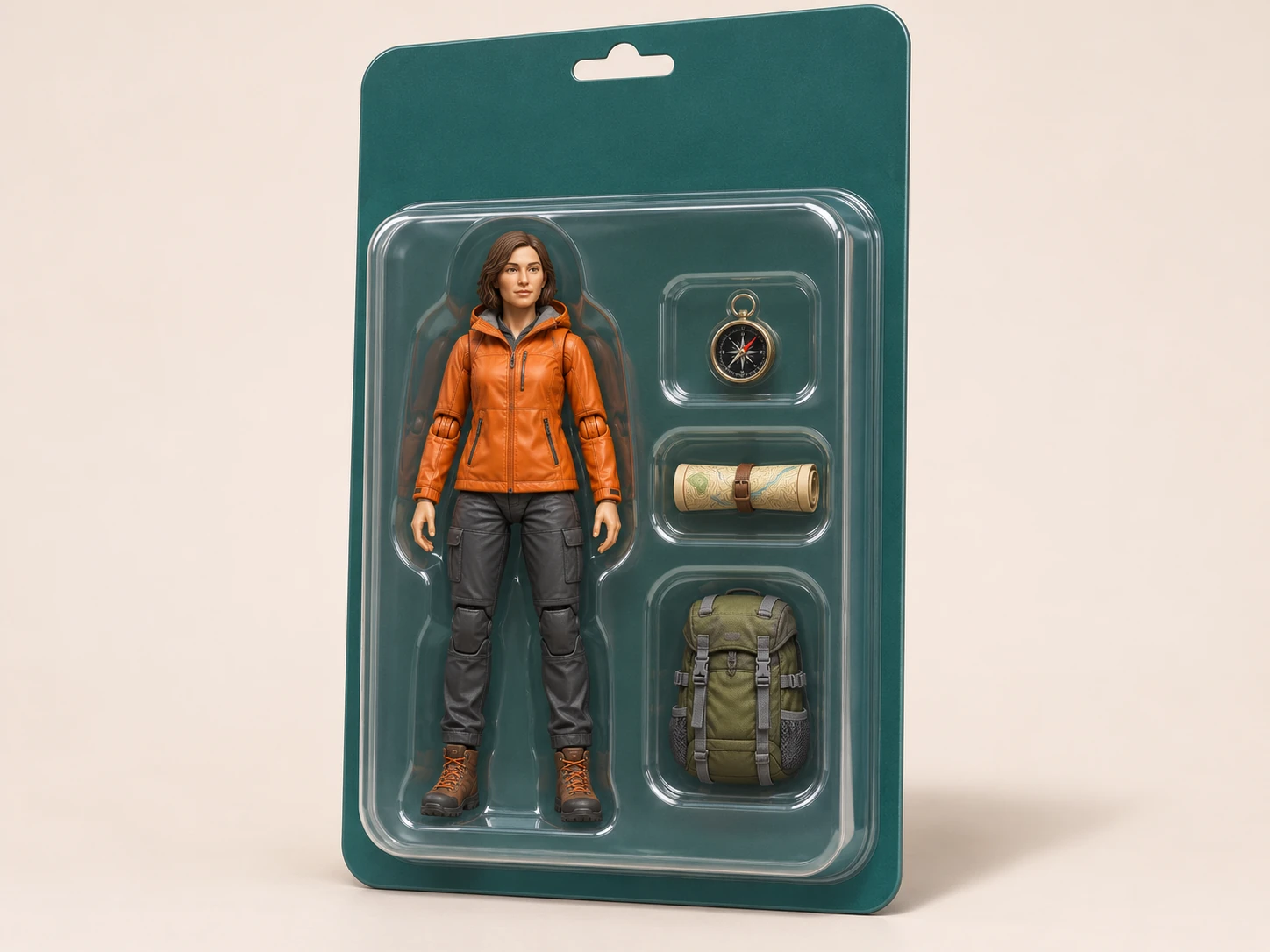
The mountain explorer
An original explorer figure in an orange rain jacket, charcoal hiking trousers and sturdy boots. A compass, a rolled map and a small backpack arranged beside the figure. Dark teal backing card, transparent display package, slight three-quarter view, restrained reflections.
Check the package edges before increasing the camera angle.
Make the concept easier to read
Small corrections to the brief often help more than a long list of decorative adjectives. Focus on the details that make the figure and its package understandable.
Limit tiny details
Fine jewelry, complex tattoos and many miniature labels can become unclear. Choose the features that will still read in a thumbnail. If a detail is essential, give it space and check it at full size after generation.
Separate pose from props
A figure holding several objects is harder to evaluate than one standing beside a few accessories. Start with a neutral pose and side compartments. Once that works, explore a single held object and check how the fingers meet it.
Reserve lettering for the final design
AI-generated package text may contain incorrect or distorted letters. Request an unprinted title strip if the name must be exact. Download the image and add the wording with a separate design tool, keeping enough contrast against the backing card.
Action figure generator questions
Does this create a real toy or a 3D file?
No. The output is a digital image showing an action figure concept. It does not include a mesh, rig, manufacturing measurements or a physical product. You can use it to explore a visual direction, then work with appropriate design or production tools if you want to develop a real object.
Can I use a photo of myself?
Yes. A clear reference can guide hairstyle, clothing and facial appearance. A well-lit single-person photo is easier to describe than a busy scene. The model generates a new stylized image, so identity, proportions and details may change. Review the result rather than expecting an exact miniature copy.
How many accessories should I request?
Two or three is a useful starting point, not a product limit. Choose objects that explain the character and place them in separate compartments. If the output looks crowded or objects merge, simplify the brief before adding more. Complex tools and small repeated objects deserve a closer inspection.
Can I add a name to the packaging?
You can request lettering in the prompt, but correct spelling and clean typography are not guaranteed. For an exact name, ask for a blank title area and add the text with another design tool after downloading. Avoid making small printed text the only way a viewer can understand the character.
What images and output sizes are supported?
Add up to eight PNG, JPEG or WebP references, one at a time. Use a smaller file if an upload exceeds the limit. Nano Banana Pro offers the listed aspect ratios and 1K, 2K or 4K output. Check important details at full size; a larger image does not guarantee better anatomy or lettering.
Do I need an account and credits?
Sign in with an account to upload references and generate. Image generation uses account credits; review the estimate shown on Generate before submitting. There is no fixed credit price stated here because your selected output settings matter. Sending a result to the video generator creates a separate video job with its own cost.
Give your character a collectible form
Start with a clear subject, a recognizable outfit and a few meaningful accessories. Choose the action figure preset, make your packaging brief and review the credit estimate before generating.