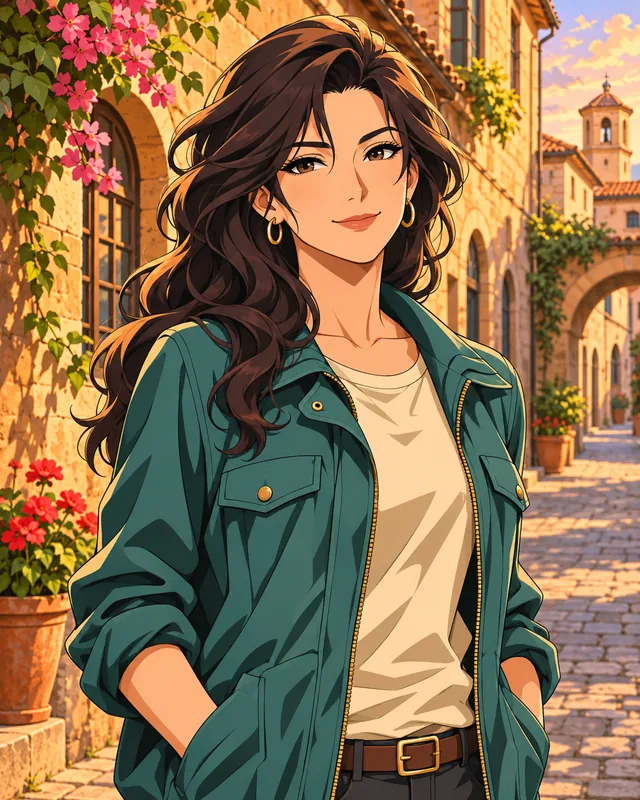
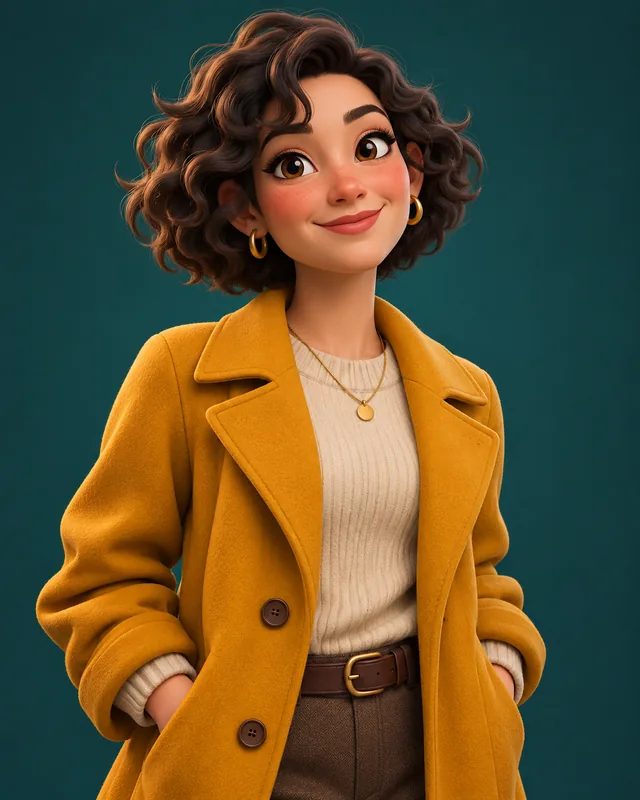
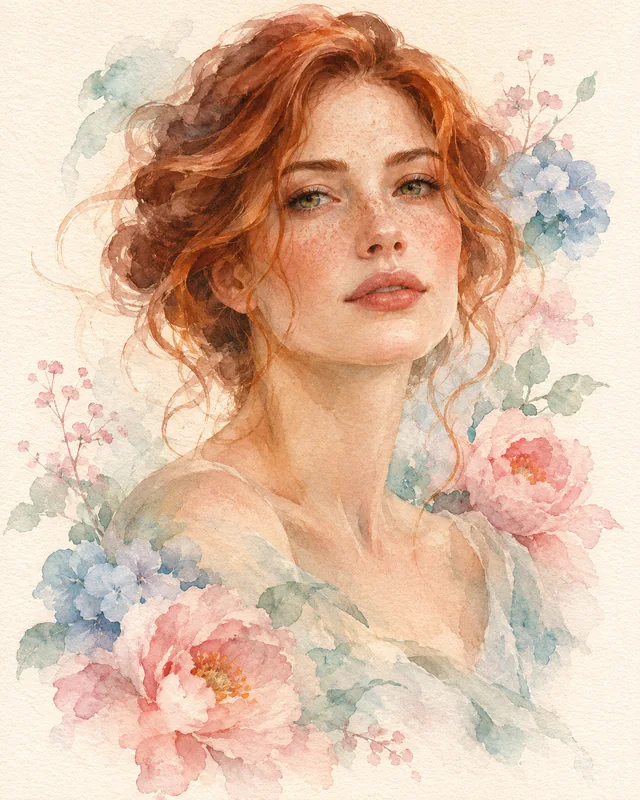
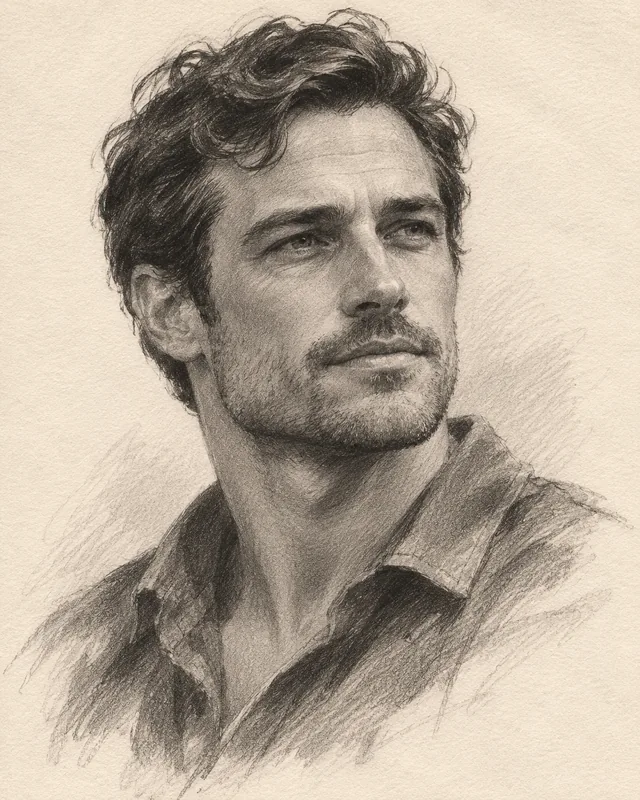
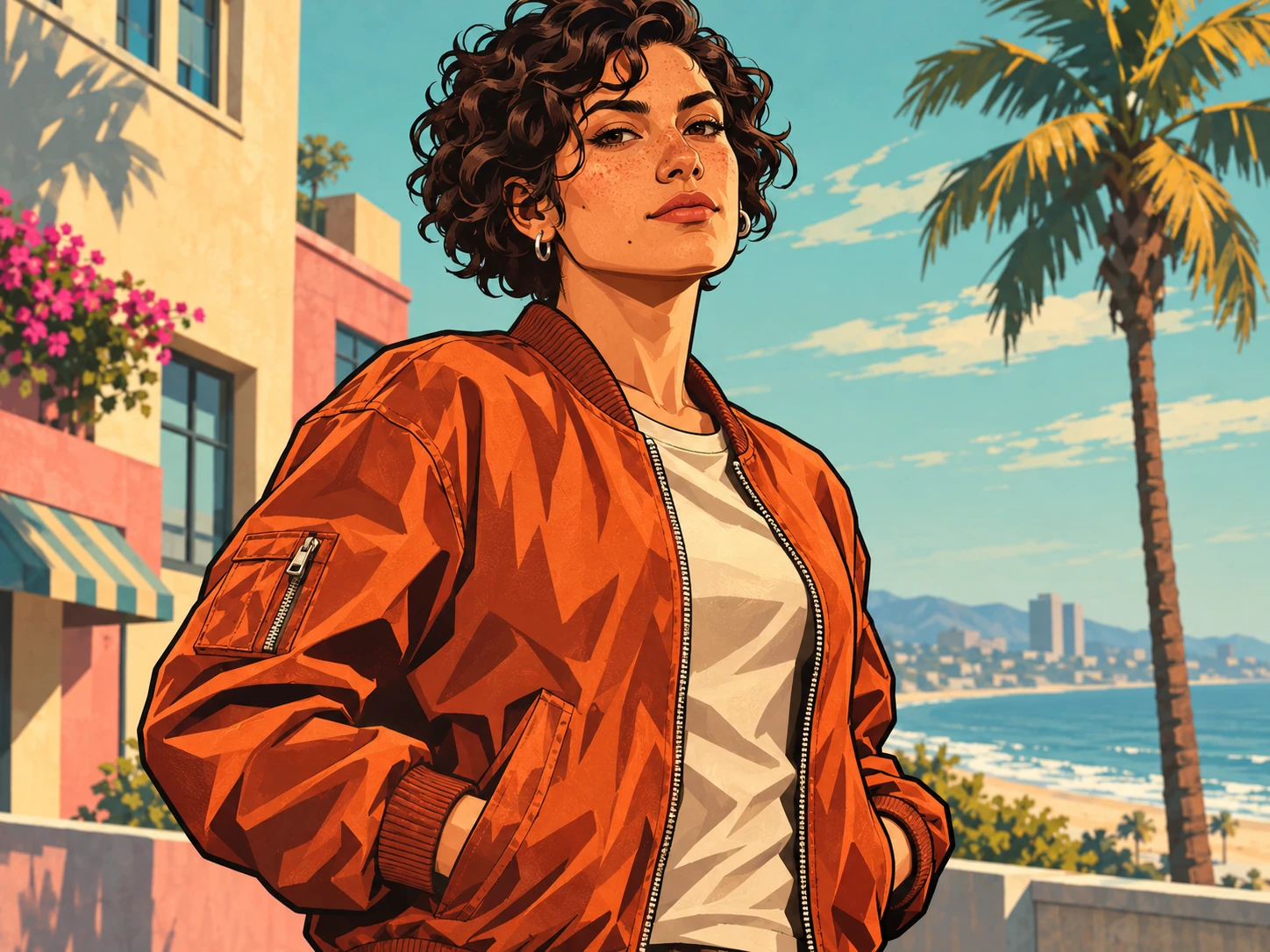
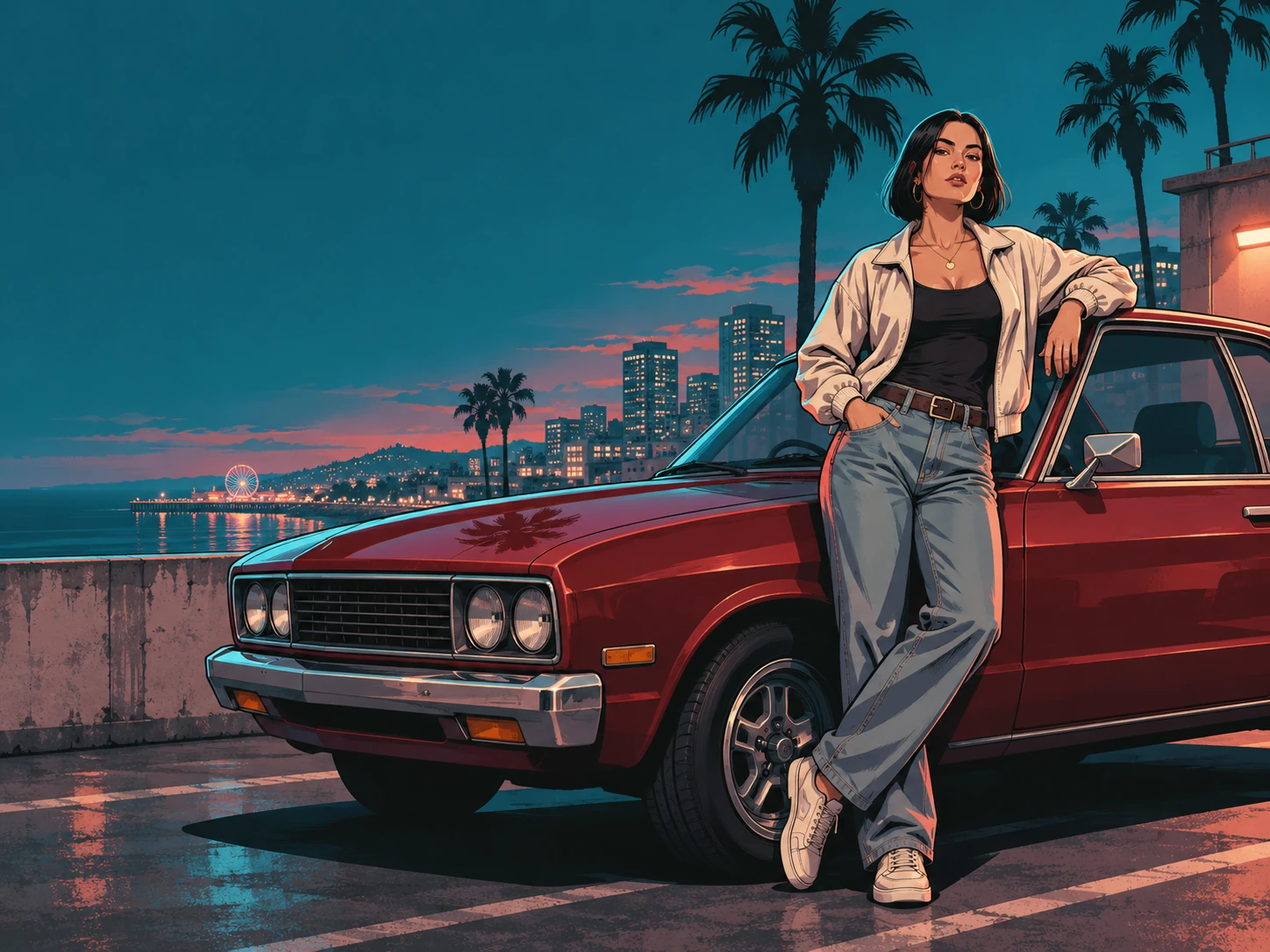
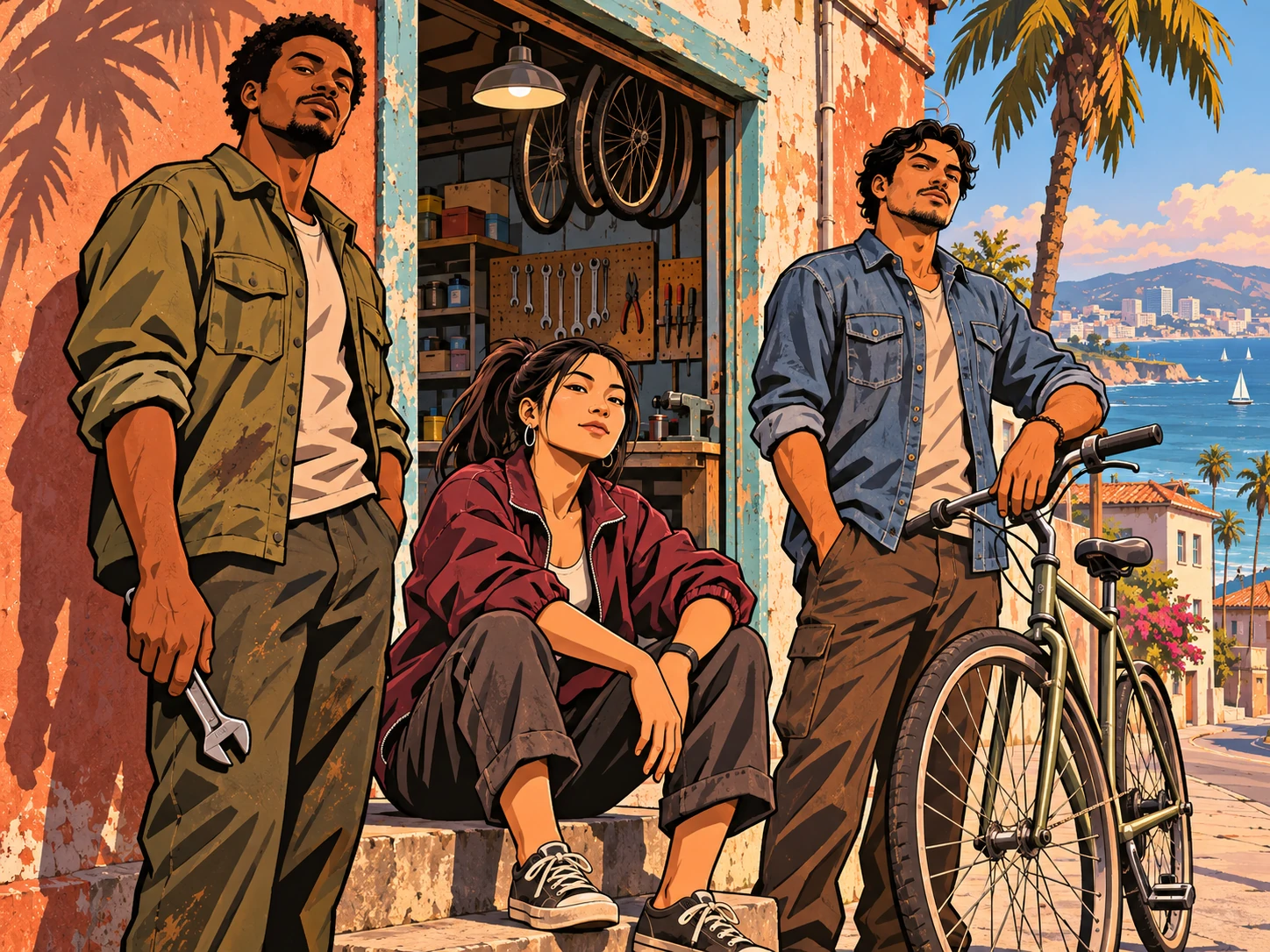
Give your photo the atmosphere of a game-world illustration
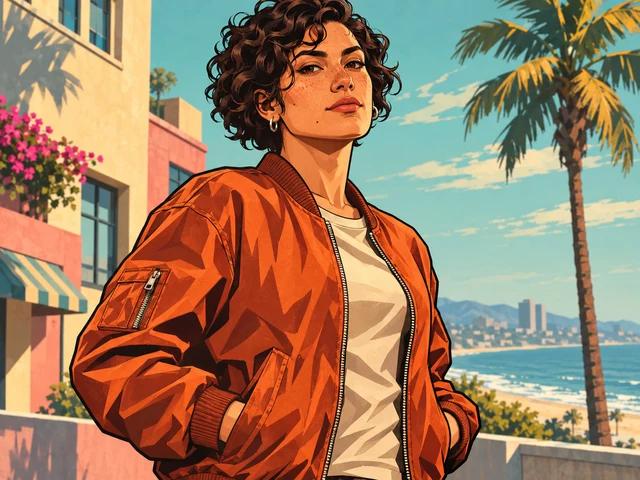
The GTA Style AI Photo Generator turns a subject description or reference photo into original artwork inspired by illustrated loading screens: confident outlines, broad shadows, vivid color and a cinematic city setting. Build a character portrait, a wide coastal scene or a cover concept around your own subject. The preset supplies the visual treatment; your prompt decides who is there, what they wear and where the scene happens. It creates a new interpretation, so inspect faces and small details before saving your favorite version.
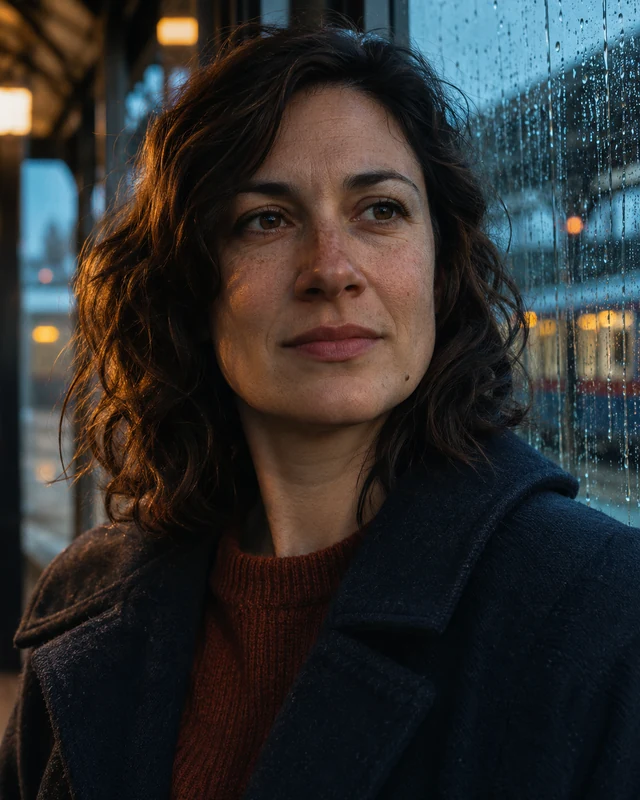
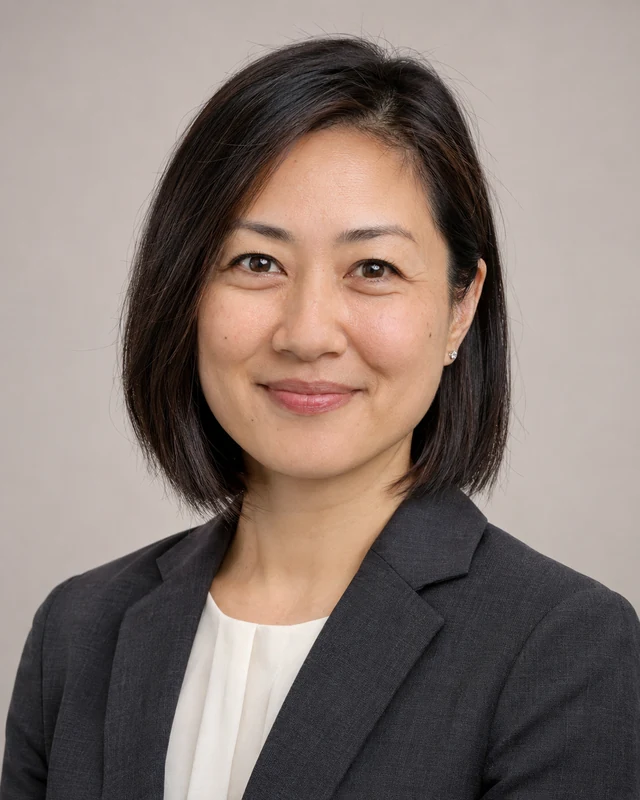
Illustrative style preview. Generated results vary with your prompt and reference photos.
A recognizable silhouette and a purposeful backdrop do more for this look than a crowded list of game references.
Turn a portrait into a graphic character study
Use a reference where the face, hairstyle and clothing are easy to see. The preset introduces strong contours and simplified shadow shapes, while your description can preserve an outfit or request a new pose. Describe the person’s distinctive features in ordinary language. Avoid asking the model to reproduce a named game character when the goal is an original image of your subject.
Choose a clear face rather than a tiny group crop.
Give the clothing one or two distinctive details.
Check eyes, hands and accessories after generation.
A boulevard, rooftop, marina or neighborhood street can set the mood without overpowering the character. Name one location and one lighting condition, then choose which background element matters most. A low camera angle can emphasize a standing figure; a wider view can explain the environment. Leave space around the silhouette so it remains readable on a small screen.
Use one dominant setting instead of several competing locations.
Align the color of the light with the scene’s time of day.
Keep vehicles and buildings secondary unless they are the subject.
Warm sunset colors create a different atmosphere from cool night lighting or dusty afternoon tones. Mention the palette you want, then select a frame that suits the destination. The preset begins with a wide 16:9 composition, but you can choose another supported ratio for a portrait or social tile. Keep room for any headline you will add in a separate design tool.
Limit the palette to a few colors that work together.
Use vertical framing when the outfit and pose lead the image.
Inspect the crop before using the result as a cover.
If the first version has the right energy, keep the core subject and change one feature: the background, jacket color or camera distance. Reuse the prompt instead of starting from unrelated instructions. Download the result when its composition works. Make a video can carry the image into a separate video task, where motion choices and credit costs are configured independently.
Change one visual decision for a useful comparison.
Review lettering and logos rather than assuming they are accurate.
Keep the image original rather than copying an existing cover.
Start with the person or scene you want, then use the preset to establish the illustration language.
Step 1
Add a subject or reference photo
Choose GTA Style and describe your character, outfit and location. Upload a clear PNG, JPEG or WebP if you want a photo to guide the subject. Add up to eight references, one at a time; use a smaller file if an upload exceeds the limit. Choose only references that help explain this scene.
GTA Style
1:116:92K
Step 2
Choose a frame and review the cost
Keep the default wide frame for a loading-screen-inspired scene or change the ratio for your intended use. Select 1K, 2K or 4K, then read the current credit estimate on Generate. Sign in to submit the task and keep the user prompt within the editor’s displayed character allowance.
Step 3
Review the silhouette and save the image
Wait for the preview, then examine the face, clothing, perspective and background. View the image at thumbnail size to check that the character is still the focal point. Download a version you like, or reuse the prompt and make a focused revision before generating again.
Choose the treatment that supports the image’s purpose; neither approach replaces reviewing the result.
Visual choice
GTA Style preset
Custom photo brief
Edges
Strong outlines and graphic shape separation.
Describe soft, sharp or natural photographic edges.
Shadows
Broad cel-shaded areas emphasize the silhouette.
Describe the light source and realistic tonal falloff.
Setting
A cinematic city direction is already included.
Write the complete setting and visual atmosphere.
Best fit
Character art, illustrated covers and scene concepts.
Portrait concepts or a treatment outside this style.
What to inspect
Identity, contours, perspective and graphic clarity.
Identity, texture, lighting and natural proportions.
Where GTA-inspired artwork can fit
Give the illustration a clear job before deciding how dramatic the scene should be.
01
Creator avatars
Use a close or medium portrait with an uncluttered background. Strong face contrast and a recognizable hairstyle help the image survive a circular crop. Leave the edges simple and check how the portrait reads at a small size.
Build a wider scene with deliberate space beside the character. Plan for platform crops and add exact channel wording separately. A busy skyline can support the theme, but keep it quieter than the face and main gesture.
Explore costume, location and attitude for an original fictional character. Compare a few focused versions with the same brief. This is useful for choosing a direction, although individual generations may change details that need further review.
Turn a travel memory or portrait into a graphic composition with a strong color story. Choose a suitable aspect ratio early. Before making a physical print elsewhere, inspect the downloaded file’s actual dimensions and appearance at the intended size.
Keep the visual style selected and use your text to direct the scene.
PROMPT EXAMPLE 1
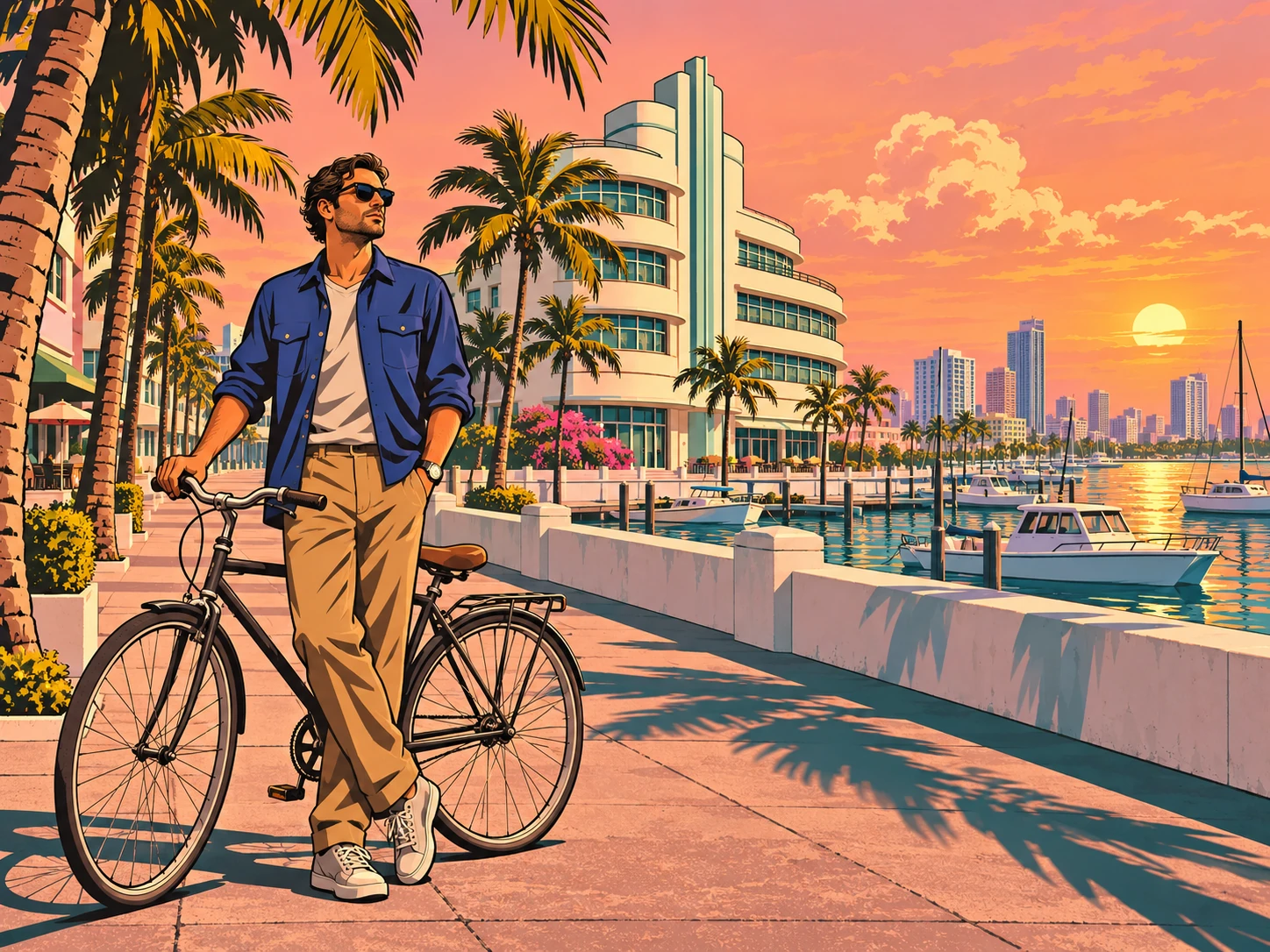
Sunset boulevard
A cyclist in a cobalt jacket standing beside a bicycle on a palm-lined boulevard, coral sunset, low-angle medium shot, calm expression, clear silhouette, no lettering.
A simple bicycle and one strong jacket color keep the scene focused.
PROMPT EXAMPLE 2
Rooftop character cover
An original musician in a cream bomber jacket on a city rooftop at blue hour, distant amber windows, waist-up view, confident relaxed pose, open space on the right.
Specify where you need empty space if you will add a title later.
PROMPT EXAMPLE 3
Coastal road scene
A fictional traveler beside a vintage turquoise convertible on a coastal road, warm late-afternoon light, ocean in the distance, wide composition, bold readable shapes, no logos.
Keep the vehicle description short so the person and location remain important.
Details that make this look work
Use these checks when a result looks close but still needs a clearer direction.
Protect the silhouette
Avoid placing dark clothing against a similarly dark background without separation. Ask for contrasting light or a simpler backdrop. The character should remain recognizable before you zoom in to inspect facial details.
Make props earn their place
A vehicle, instrument or bag can explain the character, but too many props compete for attention. Remove items that do not add to the scene. Inspect perspective and contact points where hands meet objects.
Keep typography separate
Generated lettering may be incomplete or distorted. For a finished cover, request empty space and add exact wording in a layout tool afterward. This also gives you more control over readability and the final crop.
GTA-style photo questions
Is this an official GTA tool?
No. This is an independent image preset for original artwork inspired by a broad illustrated game aesthetic. It does not provide official game assets, logos or character models. Describe your own subject and scene rather than asking for a copy of a published cover.
Can I use a photo of myself?
Yes. A clear reference can guide the face, hairstyle and clothing. Add a sentence explaining which features to keep and which parts of the scene should change. The model interprets the photo, so exact identity preservation is not guaranteed.
Can I create the image without uploading anything?
Yes. Describe an original person or scene in text. Include the outfit, setting, pose and lighting that matter most. The preset supplies the illustration treatment, so your description can focus on the scene instead of repeating styling instructions.
Which size should I choose for a cover?
Start with a ratio that matches the destination. A wide scene often suits 16:9, while a portrait crop may suit a vertical option. Resolution is a separate setting. Check the downloaded image and the destination’s crop requirements before publishing.
How are credits charged?
Generation uses your signed-in account’s credits. The Generate button shows the current estimate for the selected resolution and settings. Exploring presets does not generate an image. Review the estimate before submitting each new attempt.
Why does my result differ from the examples?
The examples show the general visual direction, not a fixed template that replaces a face. Your subject, reference quality, scene description and model response all affect the result. Simplify the brief and change one detail at a time when refining it.
Build your own illustrated city scene
Start with a clear subject, choose a location and give the lighting a purpose. Add a photo if it helps, then create a GTA-inspired image around your own idea.
Independent, unofficial style preset. Sample artwork is illustrative; generated results vary. Review the image and any third-party rights relevant to your intended use.