
Viral · TikTok
Kids Drawing to Life AI Video
Upload a child’s drawing and meet the real creature it was always meant to be: same wobbly legs, same big personality.
- Photo
- 1 drawing
- Length
- 8s
- Format
- 9:16 · 720p
200 credits · 720p · 8s · Seedance 2 Mini
Only upload a drawing made by you or your child, or one you have permission to use. No photos of people. Failed videos are refunded automatically.
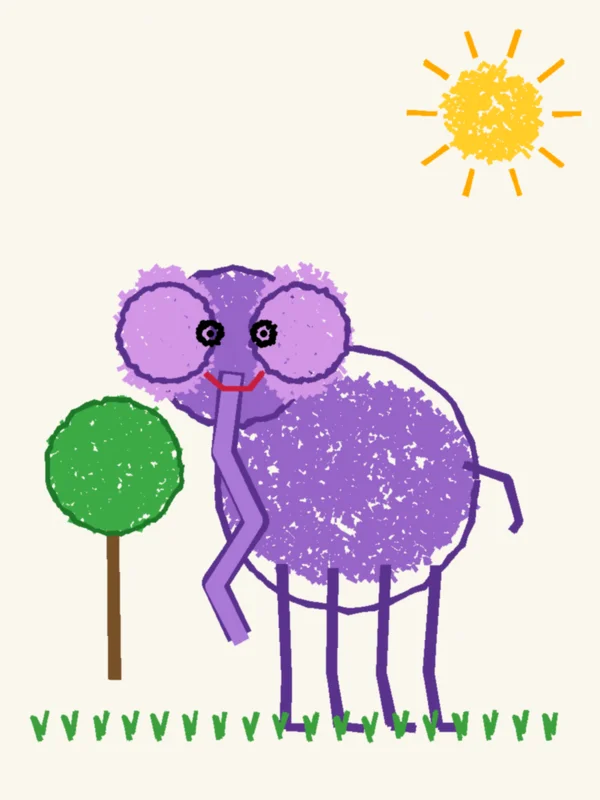
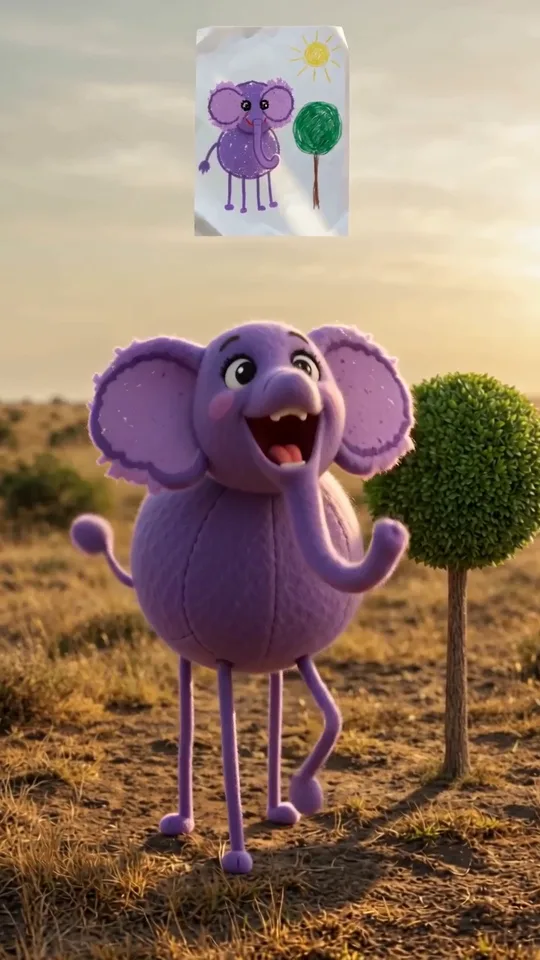
One photo in, Kids Drawing to Life out
A real result from this template: we uploaded the photo on the left and pressed generate. No prompt and no editing. The person or pet in the sample is AI-generated.
About the Kids Drawing to Life trend
Kids drawing to life is the format where a child’s drawing is held up in the corner of the screen while a real, slightly goofy version of it walks around in the scene below. The template keeps the same camera, timing and sound as the original clip and brings the drawing in your upload to life instead, with the proportions, colours and odd little details of the drawing kept.
What happens in the clip
- 01The drawing sits in the corner of the frame
- 02The creature stands in the scene, just like the drawing
- 03It turns and looks around
- 04It faces the camera and reacts
Where it comes from
Drawing-to-life clips spread on TikTok from late October 2026, mostly parents showing a child’s animal, car or pet drawing next to its lifelike twin.
Original clip by @happylily86 on TikTok. All rights belong to the creator.
Photo tips
- Photograph or scan the whole drawing, flat and well lit.
- One main character per drawing works best.
- Simple shapes and bright colours come to life most clearly.
Questions
What is the Kids Drawing to Life trend?
Kids drawing to life is the format where a child’s drawing is held up in the corner of the screen while a real, slightly goofy version of it walks around in the scene below. The template keeps the same camera, timing and sound as the original clip and brings the drawing in your upload to life instead, with the proportions, colours and odd little details of the drawing kept.
How do I make a Kids Drawing to Life video?
Upload a drawing or a photo of it on this page and press generate. The template replays the original clip with your upload in the lead role and returns a 8-second 9:16 video, usually within a few minutes. There is no prompt to write.
How much does a Kids Drawing to Life video cost?
Each video costs 200 credits. If generation fails, the credits are returned automatically.
Which photo works best?
Photograph or scan the whole drawing, flat and well lit. One main character per drawing works best. Simple shapes and bright colours come to life most clearly.
Whose drawing can I use?
A drawing you or your child made, or one you have permission to use. Do not upload photos of people for this template.
Does it have to be a child’s drawing?
No. Any drawing of a creature, vehicle or pet works, including your own. Simple, bold drawings give the clearest result.
More trend templates
All templates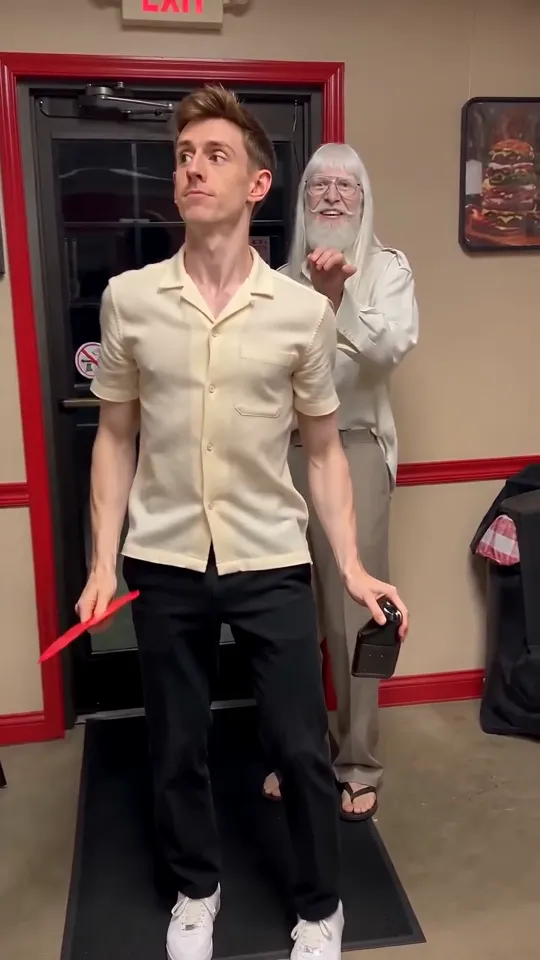
Pimpwalk Entrance
Hold the door, strut in low and slow, finish with a close-up.
Use this template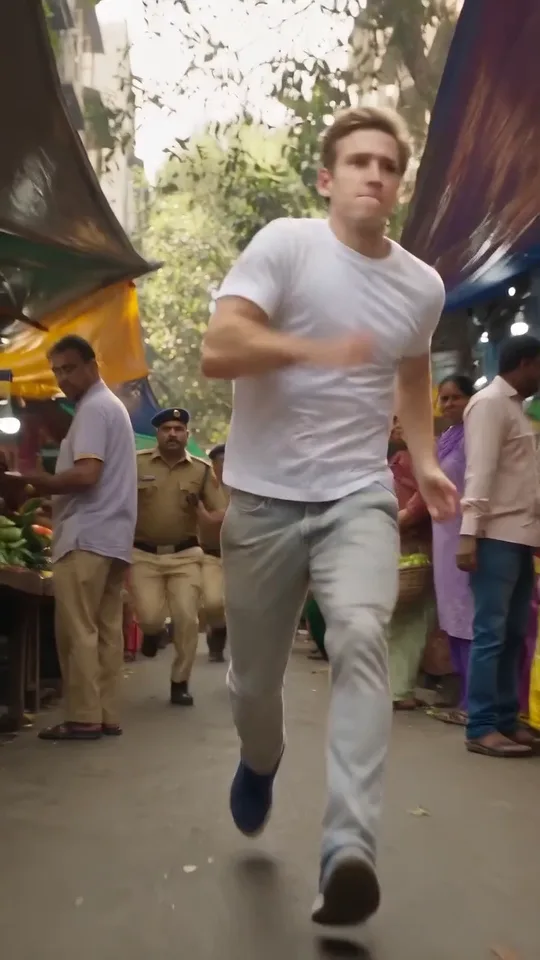
Police Chase AI
Run the market, jump the bus, climb the billboard.
Use this template
Toc Toc Dance
Hop, knock on an invisible door and keep a perfectly straight face.
Use this template
Mi Chico Dance
Hand frames, hip sways and a few dancing cats for company.
Use this template