
The trend clip your video is cut from. Your photos take the places of the people in it.
Rap · 1 rapper
iPhone Kupi AI video
One photo in, one iPhone Kupi video out. You hold up the phone, unfold it, dance and toss it, with the same cuts as the trend.
Who raps

The rapper
Nova
Or borrow a preset rapper
300 credits for a 15s vertical video.
Only upload photos of yourself, people who agreed to it, or your pets. No public figures.
The cut
What is in your iPhone Kupi AI video
The viral cut, shot by shot. In yours, the people you add take their places; everyone else stays as in the original.

0:00
The phone reveal
The performer in the green fur coat

0:04
The big unfold
The performer, phone fully open

0:10
The toss and the dance
The performer, full body
Three steps
- 1
Cast your band
Add a photo for each place, or pick a preset. One person or the whole band.
- 2
Make the video
Press make. It takes a few minutes and you can close the tab.
- 3
Download and post
Get a vertical MP4 with the original music, ready for TikTok, Reels or Shorts.
Where the meme comes from
October 2026
Creator Coco Vex posts a 15-second clip tagged #iphoneduo: a hotel room at night, a folding phone, a big unfold and a dance. It passes 16 million plays on TikTok.
Since then
People keep the same moves and swap themselves in: the phone reveal, the unfold, the toss.
Now
Your turn. Add your photo and keep the cut and the moves.
About the iPhone Kupi AI trend
The iPhone Kupi trend comes from a 15-second TikTok by Coco Vex (#iphoneduo): a hotel room at night, a folding phone, a big unfold and a full-body dance. It has passed 16 million plays, and people keep swapping themselves in with the same cuts. This template does the same: your photo takes the performer’s place in the clip, and the cuts, camera and moves stay as they are. It is made for fun, parody-style videos and is an independent fan-style template, not affiliated with Coco Vex or any other creator.
- Your reaction to a brand new phone
- Your cat unboxing the phone and tossing it
- A birthday phone surprise for a friend
- The whole office reacting to the new upgrade
Photo tips
- Use one clear, front-facing photo of the performer.
- Shoulders up works best. Avoid sunglasses and hands on the face.
- Pets work too: a sharp, well-lit face photo is enough.
Questions
What is the iPhone Kupi trend?
A 15-second TikTok by Coco Vex tagged #iphoneduo: a hotel room at night, a folding phone, a big unfold and a dance. People swap themselves into the same cuts.
Is the music included?
The video keeps the cuts and moves of the trend, but not the original sound. Add the trending sound inside the app when you publish.
Is this affiliated with Coco Vex?
No. It is an independent, fan-style parody template that recreates the cuts of the clip with your photo.
How long does it take?
Usually two to four minutes. You can leave the page open or come back later: finished videos are saved in My Videos.
What if the video fails?
Your credits come back automatically. Try a clearer, front-facing photo or a shorter topic.
More trend templates
All templates
AI Rap Duo
Two photos in, one rap duo video out.
Use this template
Hotel Lobby AI
Two faces trade bars in the orange booth.
Use this template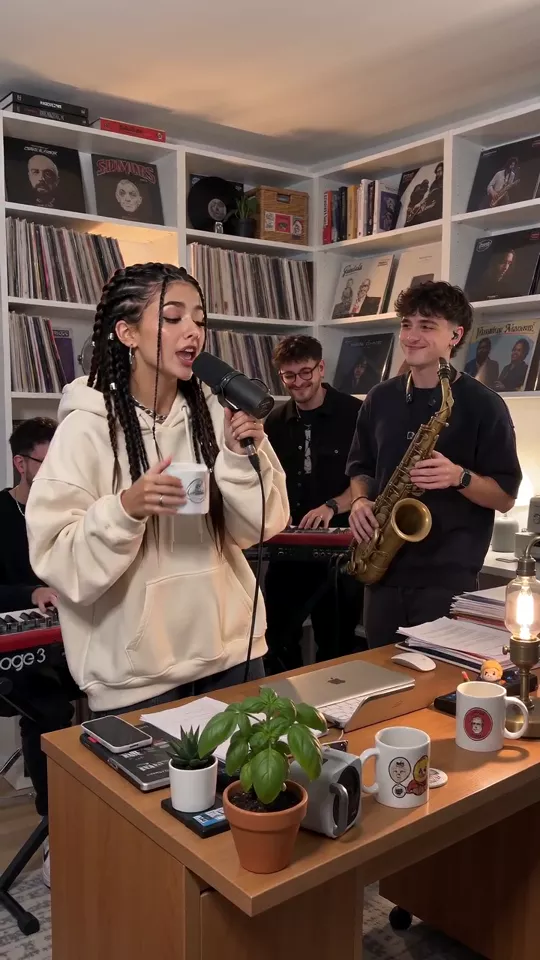
Tiny Desk AI
Sing lead at the shelf-wall desk, band swaying behind.
Use this template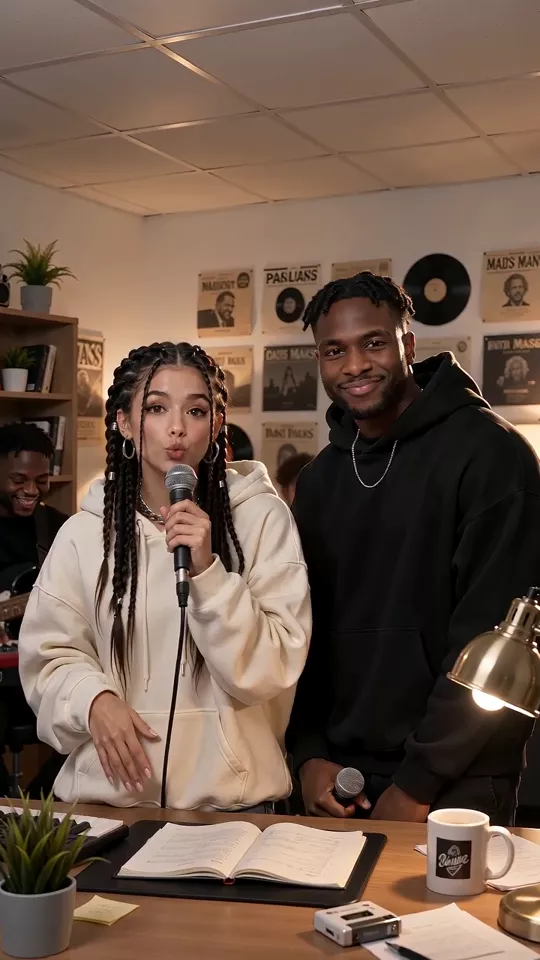
Tiny Desk Duo AI
Two leads trade lines at the shelf-wall desk.
Use this template