
Two faces. A reunion you can recognise.
A crowded photo and unclear roles can leave a model guessing. Give each character a separate portrait, then decide who returns from the fog and who reaches out.
Two photos, one reunion
Two portraits. A reunion in the fog. A warm final frame. Choose who plays each part and turn your photos into a short cinematic story.
One scene, different possibilities. Sample clips show the scene; each generation is a new result.
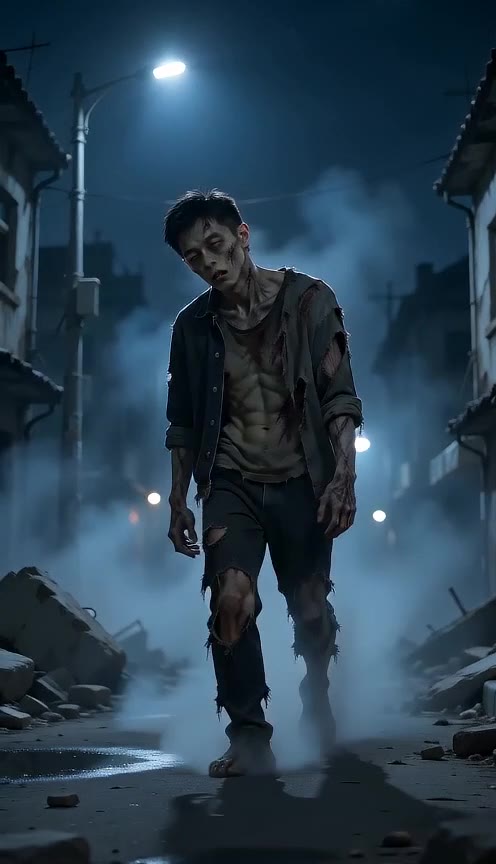
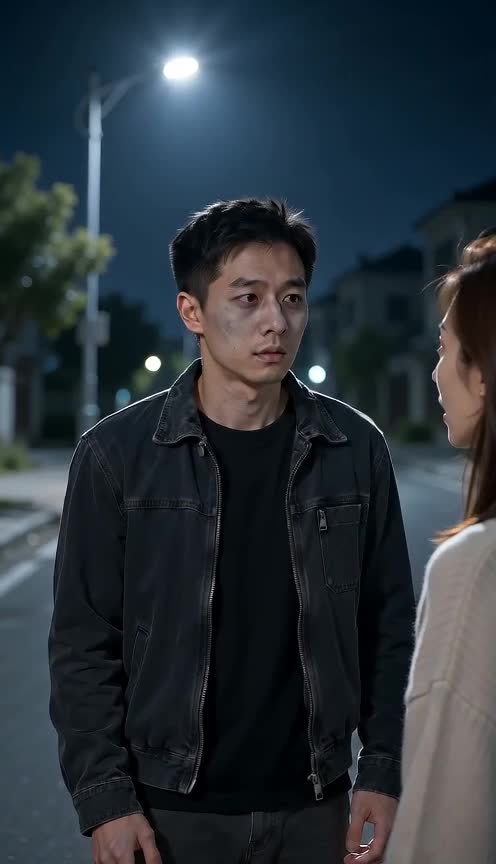
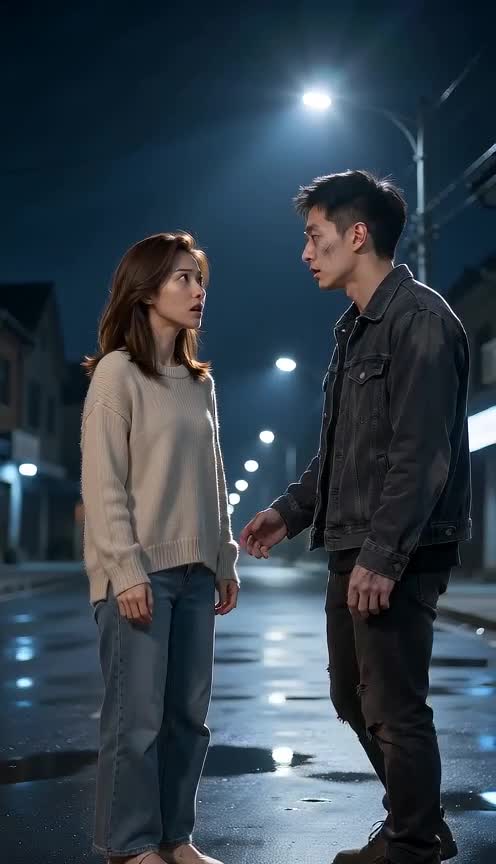
A crowded photo and unclear roles can leave a model guessing. Give each character a separate portrait, then decide who returns from the fog and who reaches out.
Create a short reunion, a fantasy story beat or a personal scene with consenting adults. The default eight seconds make room for the reveal, embrace and warm memory.
Separate upload slots identify the returning character and the person who recognises them.
Swap roles before generating without uploading the same photos again.
Fog, recognition and a sunlit memory provide the direction. No prompt writing is required.
Start with eight seconds at 480p, or compare other available settings and their credit costs.
See the credit cost before you generate. Failed generations are refunded.
Use your credits across the creative tools in your account.
Change duration, resolution and framing without leaving the editor.
Try available models with the same photos. Pricing updates with your settings.
 01
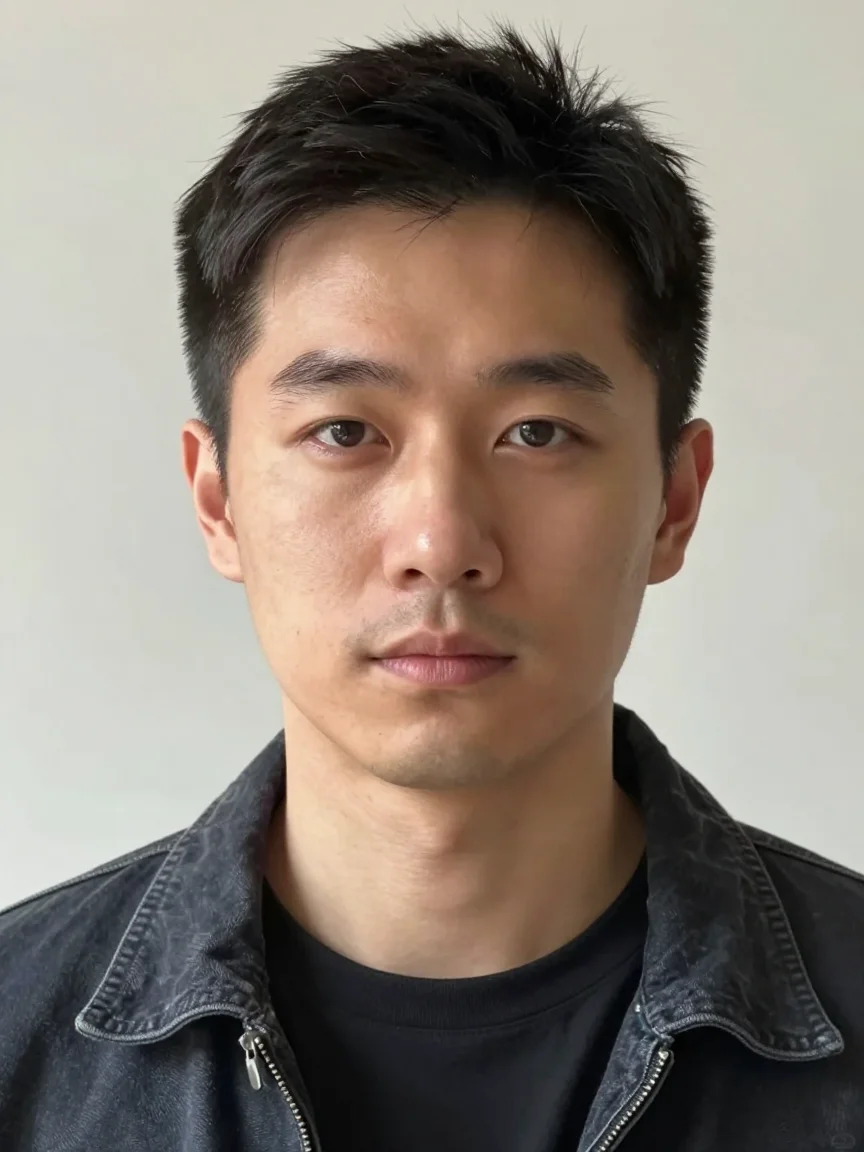
01Upload the face that walks out of the fog into slot one and the face that recognises them into slot two. One tap swaps them if you change your mind.
02The scene, camera moves and sound are already set for a vertical 8-second clip. Nothing to describe, nothing to storyboard.
03The clip appears below as soon as the model finishes. Download the MP4 at full quality and send it to whoever is in it.
Night street, deep fog: photo 1 walks out of it as a zombie. Photo 2 freezes, recognises them, and reaches out. They hold a long hug while the fog moves around them. Hard cut to golden afternoon light: both human, both laughing.
The scene, camera moves and sound are written for you. Your photos are the only variable, which is what keeps the result consistent.
Only upload photos of yourself, or of people who agreed to appear in this video. Faces of people who have not agreed do not belong here.
Your images are uploaded and shared with the generation provider to make your clip. Only use photos you own or have permission to use. See our privacy policy for how uploads are handled.
PrivacyYes. The scene is built around two people — one turns, one recognises them. Two separate photos give the model two faces to keep consistent through the hug and the cut.
It works better to upload two solo portraits. A group shot leaves the model guessing which face belongs to which role, and the hug tends to blend the two.
At the default 480p and 8 seconds it is 48 credits — 6 credits per second. Shorter clips cost proportionally less, and the exact number is shown on the generate button before you spend anything.
They are uploaded so the video model can read them, used for that generation, and never published to our gallery. If no permanent media storage is connected, the upload is handed to the model provider’s temporary file hosting, which deletes it automatically.
Open the settings panel under the photos. You can switch resolution, clip length, aspect ratio and video model; the scene itself stays fixed, which is what keeps the result consistent.
Usually a photo the model could not read, or a safety filter on the upstream provider. Failed generations return the reserved credits to your balance automatically.
Choose a sharp image with one clearly visible face. Avoid sunglasses, heavy filters and cropped foreheads. Keep some shoulder and background space so movement has room to develop. Use fictional characters or people who have agreed to the transformation.
Play the full clip. Check the face, hands, clothing and background through the middle and ending. A good opening image does not guarantee continuity. Change one setting at a time when making another take.
Download the finished MP4 and check it in your editor. Add captions where they do not cover faces. If you add music, use audio you own or are allowed to use on the destination platform. Generated audio does not include a licensed trend soundtrack.