
The source clip for this template. Your photos take the places of the people you choose to replace.
Parking Lot Dance · 1 to 3 people
Parking Lot Dance AI Video with 1–3 People
Put one, two or three people into the supplied parking lot dance clip. The template follows its opening 15 seconds: the robed dancer, the red-cloaked selfie shot and the car-side entrance.
Who appears in the video
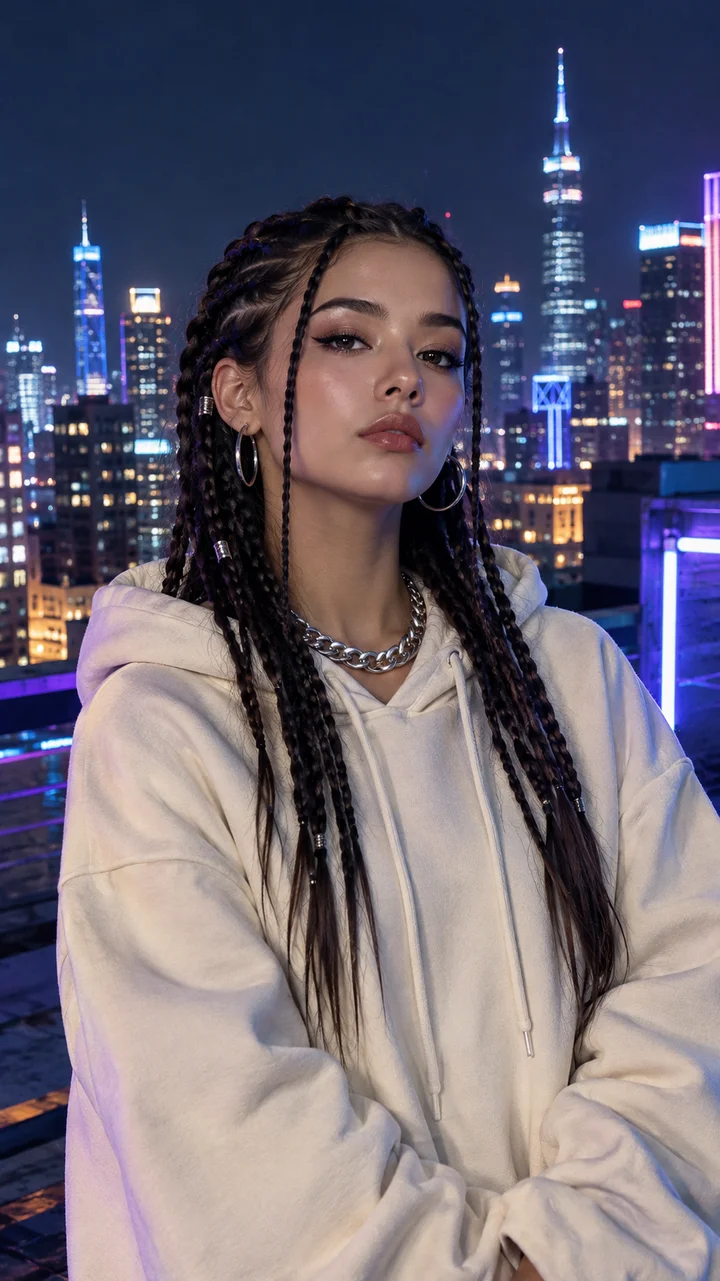
Person 1
Nova
Or pick a preset performer
300 credits for a 15s vertical video.
Only upload photos of yourself, people who agreed to it, or your pets. No public figures.
The cut
The first 15 seconds, shot by shot
This template uses the opening parking-lot sequence only. Add up to three photos in the order shown; any roles you leave empty stay in the reference clip.
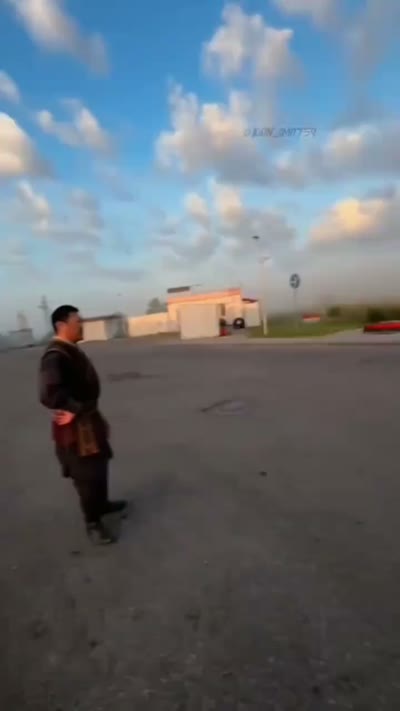
0:00
The robed dancer
The dark-robed dancer opens the sequence
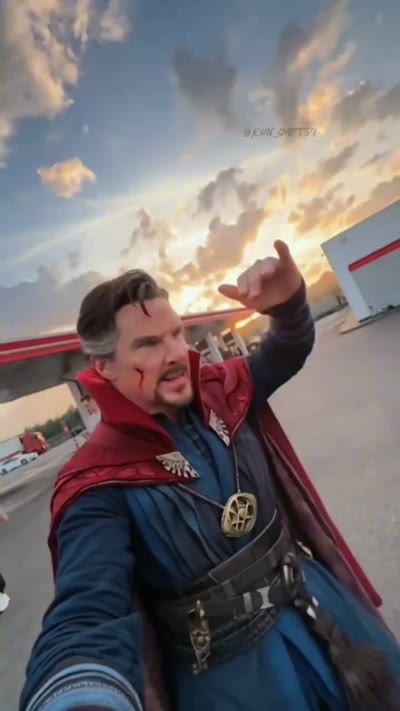
0:08
The selfie shot
The red-cloaked performer steps into the camera shot
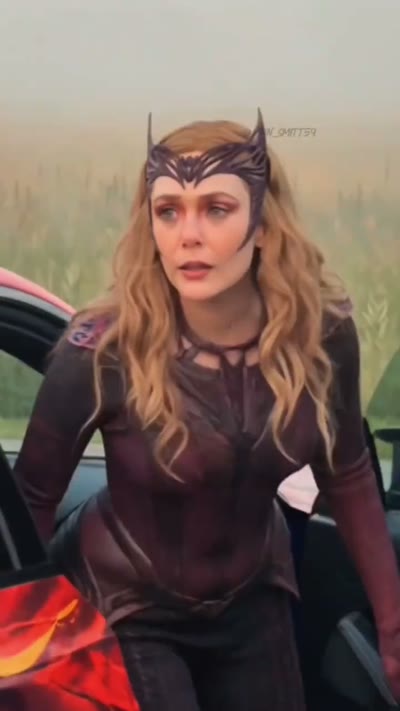
0:11
The car-side entrance
The purple-costumed dancer appears beside the car
Three steps
- 1
Choose up to three people
Upload one clear photo for each role you want to replace. Add fewer photos to keep the other performers from the clip.
- 2
Make the video
Press make. It takes a few minutes and you can close the tab.
- 3
Download and post
Download a vertical 15-second MP4 with the source clip audio, ready to review before you post.
About the source clip
The source clip
A vertical, three-person dance sequence filmed in an open parking lot, with a car-side entrance and quick changes in camera distance.
First 15 seconds
This template uses only the opening 15 seconds: the robed dancer, the red-cloaked selfie shot and the purple-costumed entrance. Later phone-screen footage is left out.
Your version
Add one, two or three performer photos in that order. The clip model uses the selected faces for the matching roles while following the reference sequence.
About this Parking Lot Dance template
This Parking Lot Dance template is built from the supplied vertical video. It keeps the first 15 seconds, where three distinct performers appear in quick succession against an open parking lot and a parked car. Add one photo for each role you want to replace, in the order shown in the cut below. The reference video supplies the timing, camera movement and audio; EveryGen sends your selected photos with that clip to the video model. Choosing one or two people leaves the other roles as they appear in the reference. The rest of the source file, including its later phone-screen footage, is not part of this template.
- Put three friends into the full sequence
- Feature one person and keep the other two roles
- Make a group video for a dance challenge
- Try a different cast for the same parking-lot cut
Photo tips
- Upload one clear photo for each person, in the order shown above.
- Use well-lit, front-facing portraits with the face unobstructed.
- Choose 1, 2 or 3 people; roles without a photo remain in the source clip.
Questions
Can I replace all three people in the Parking Lot Dance?
Yes. Choose three people and upload a photo for each role in sequence: the opening dancer, the red-cloaked selfie role, then the car-side dancer.
Can I use just one or two photos?
Yes. Choose one, two or three people. Roles without a selected photo stay as they appear in the reference clip.
How much of the source video does the template use?
It uses the first 15 seconds only. Later phone-screen footage in the supplied file is excluded.
Does the generated video keep the source audio?
The clip workflow passes the reference audio setting to the video model. Review the generated result and make sure you have the rights needed for any audio before posting it.
Is this template affiliated with the people in the clip?
No. This is an independent template based on the supplied clip and is not affiliated with its performers or creators.
How long does it take?
Usually two to four minutes. You can leave the page open or come back later: finished videos are saved in My Videos.
What if the video fails?
Your credits come back automatically. Try a clearer, front-facing photo or a shorter topic.
More trend templates
All templates
Dime Dime Baby Dance
Bite, deadpan stare, back into the party.
Use this template
Storm Trend
Freeze, low dance, same mall as the clip.
Use this template
No Guidance Dance
Two friends, one street lamp, the No Guidance groove.
Use this template
Gangnam Style AI
The Gangnam Style dance from one photo.
Use this template