
Viral · TikTok
Angry Dance Filter AI Video
Dance with fists up and a fake-angry scowl, then crack into a smile.
- Photo
- 1 person or pet
- Length
- 10s
- Format
- 9:16 · 720p
300 credits · 720p · 10s · Seedance 2
Only upload a photo of yourself or of someone who agreed to appear in this video. No public figures, no one under 18.
One photo in, Angry Dance Filter out
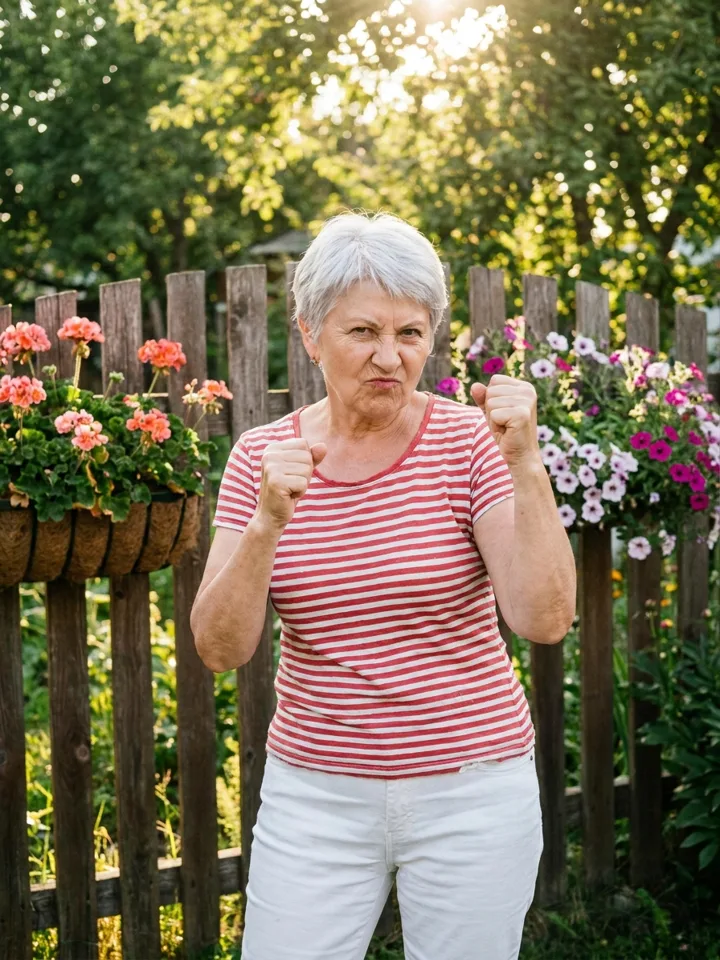
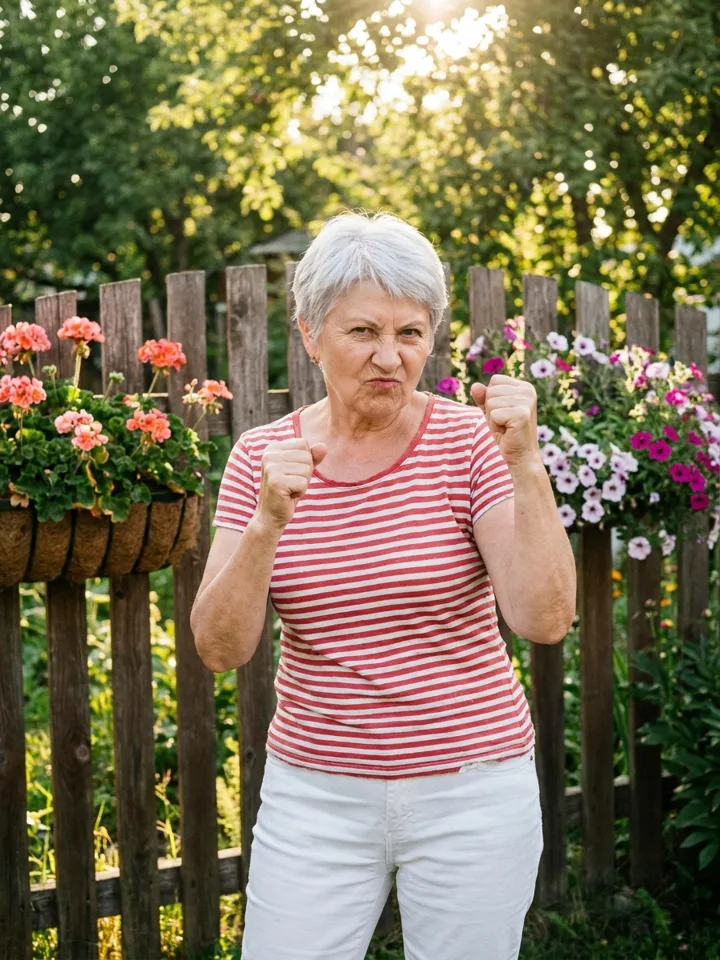
A real result from this template: we uploaded the photo on the left and pressed generate. No prompt and no editing. The person or pet in the sample is AI-generated.
About the Angry Dance Filter trend
The Angry Dance Filter is a comedy format: a stern scowl, fists up and a stompy dance that turns into a grin. It works especially well with grandparents and pets. Upload one photo and the AI plays the whole routine.
What happens in the clip
- 01Scowl at the camera with fists up
- 02Stomp side to side on the beat
- 03Shake the fists in time
- 04Point at the camera
- 05Crack into a big smile
Where it comes from
A fake-angry AI dance filter circulating on TikTok and CapCut under the #trendingweek tag in October 2026.
Photo tips
- Use a clear, front-facing photo.
- A neutral or smiling face gives the best scowl.
- One person or pet per photo.
Questions
What is the Angry Dance Filter trend?
The Angry Dance Filter is a comedy format: a stern scowl, fists up and a stompy dance that turns into a grin. It works especially well with grandparents and pets. Upload one photo and the AI plays the whole routine.
How do I make a Angry Dance Filter video?
Upload one clear photo on this page and press generate. The template replays the original clip with your photo in the lead role and returns a 10-second 9:16 video, usually within a few minutes. There is no prompt to write.
How much does a Angry Dance Filter video cost?
Each video costs 300 credits. If generation fails, the credits are returned automatically.
Which photo works best?
Use a clear, front-facing photo. A neutral or smiling face gives the best scowl. One person or pet per photo.
Whose photo can I use?
Your own photo, or a photo of someone who has agreed to appear in the video. Do not upload photos of public figures or of anyone under 18.
More trend templates
All templates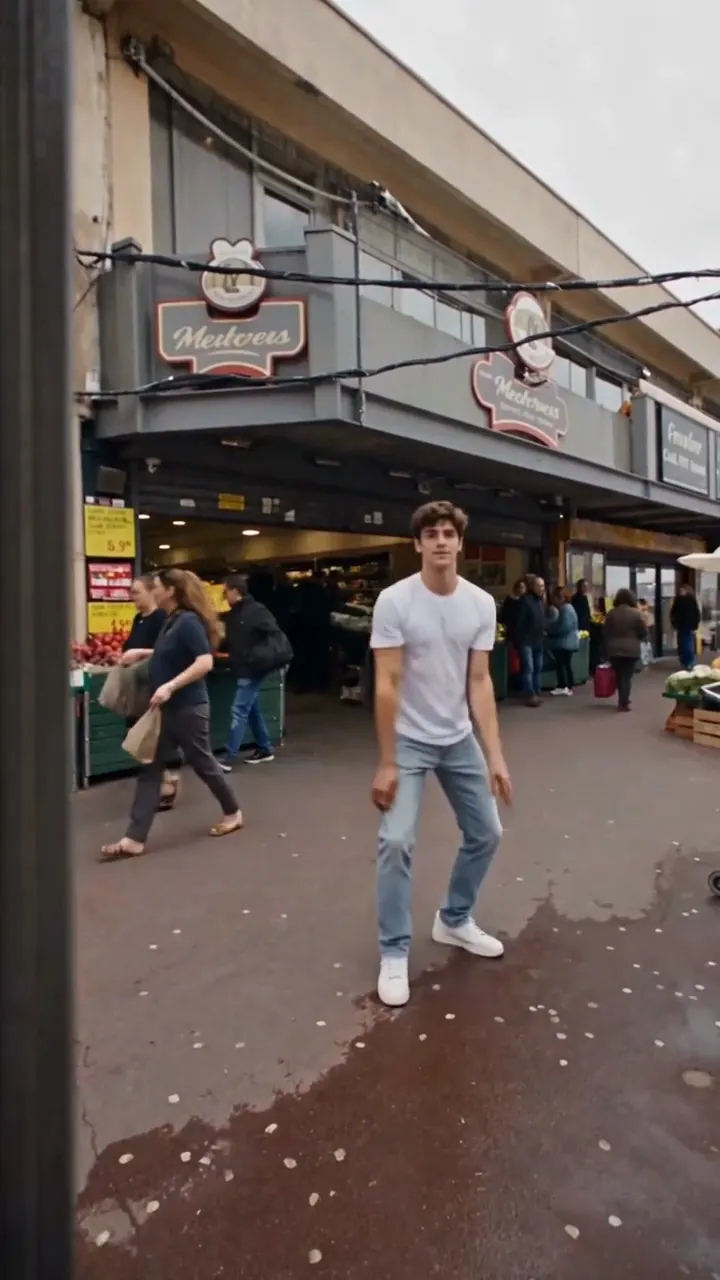
Toc Toc Dance
Hop, knock on an invisible door and keep a perfectly straight face.
Use this template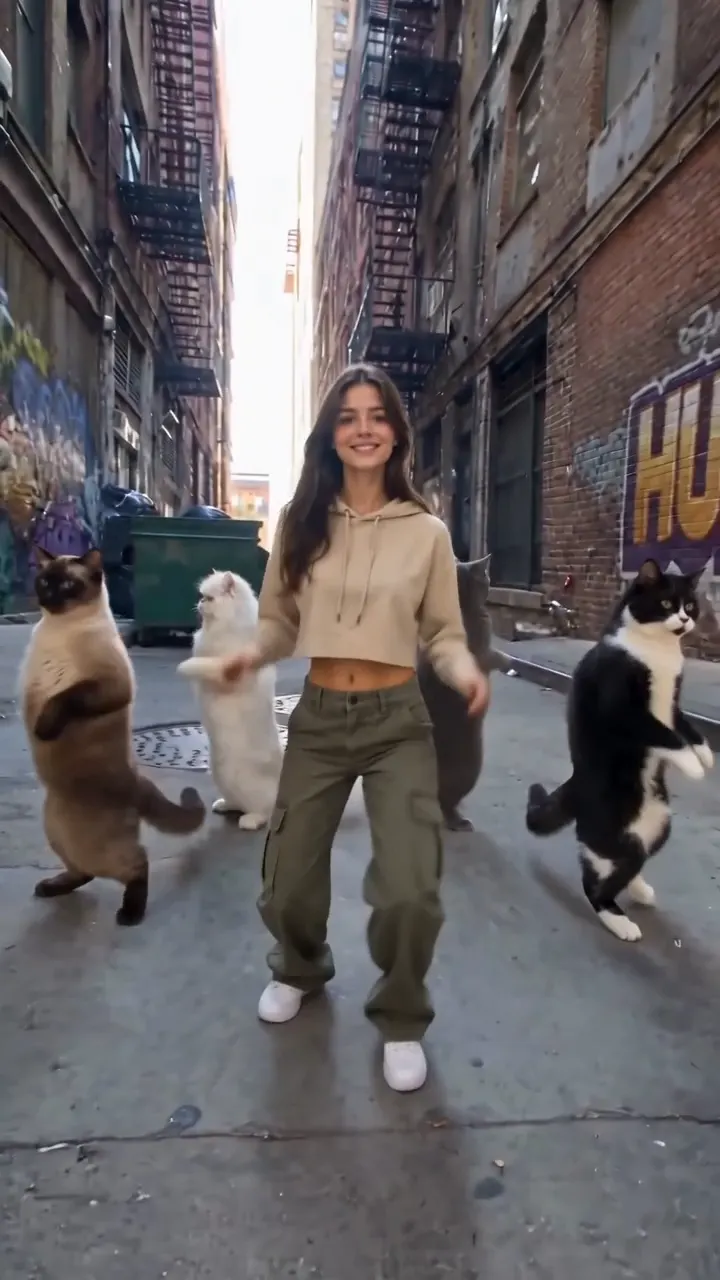
Mi Chico Dance
Hand frames, hip sways and a few dancing cats for company.
Use this template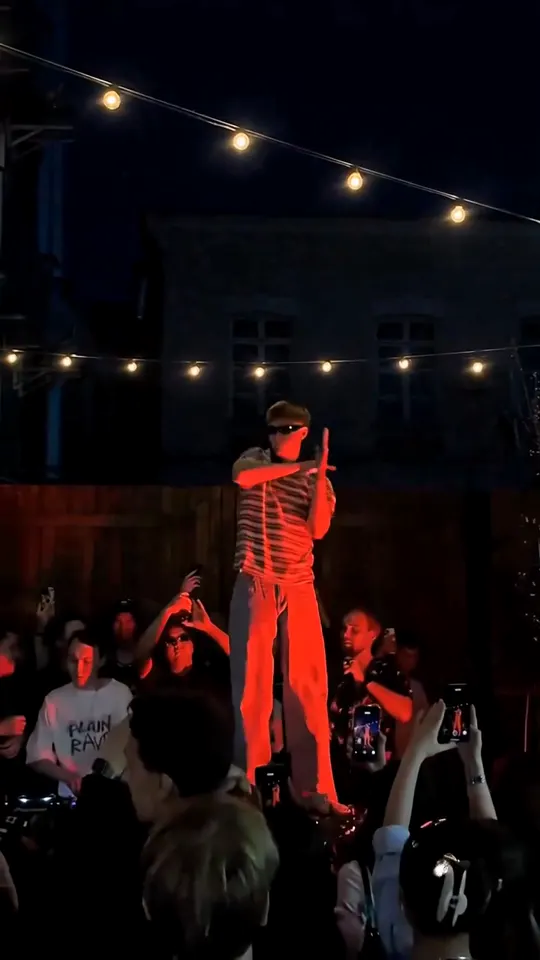
Cheba Man Electro Dance
Tecktonik-style arm moves on a red-lit stage, crowd included.
Use this template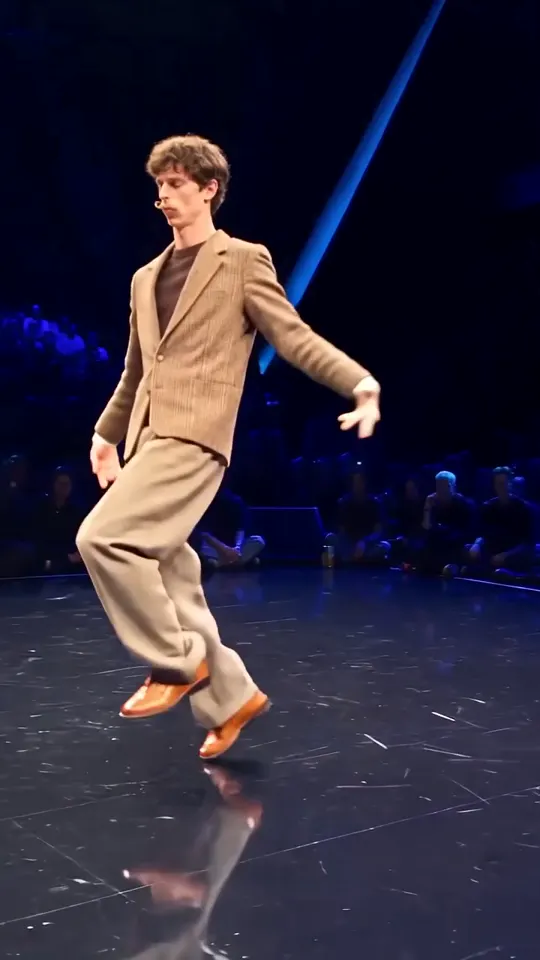
Gang Gang Dance
Knee pops, limp wrists and a poker face on the battle stage.
Use this template